




Why ONU PON Blinking Light Happens and Troubleshooting Steps for ISP Technicians
If you’ve ever noticed the ONU PON light blinking on your fiber modem and wondered what’s going on, you’re not alone. Whether you’re an ISP field technician tackling installation and maintenance, or a homeowner troubleshooting your FTTH setup, the meaning and causes of a blinking PON light can be confusing. Most importantly, it signals something about your connection is not quite right. In this comprehensive guide, we’ll demystify the reasons behind ONU PON blinking, explain its implications, and provide practical troubleshooting steps honed by industry experience. We’ll also touch on key points involving GPON ONU faults, FTTH maintenance, and how to quickly resolve issues for solid internet uptime.
Understanding the PON Light on Your ONU
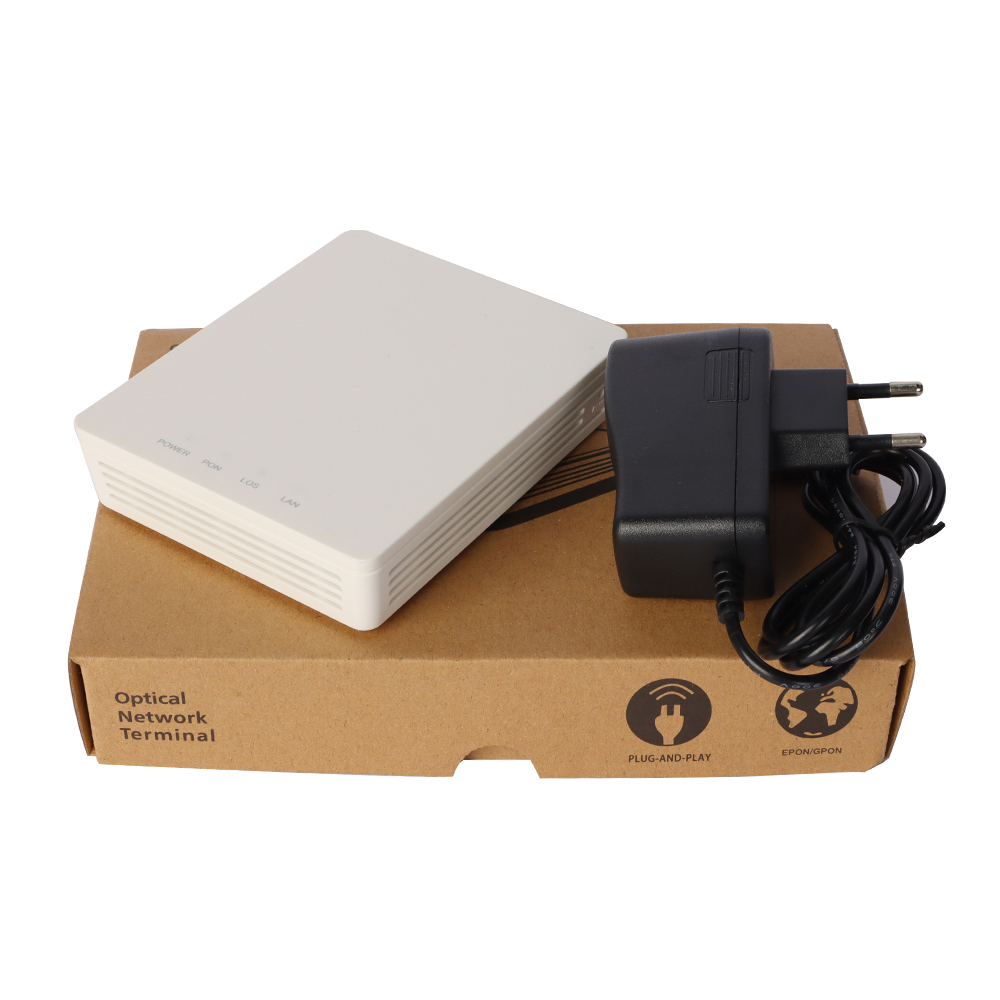
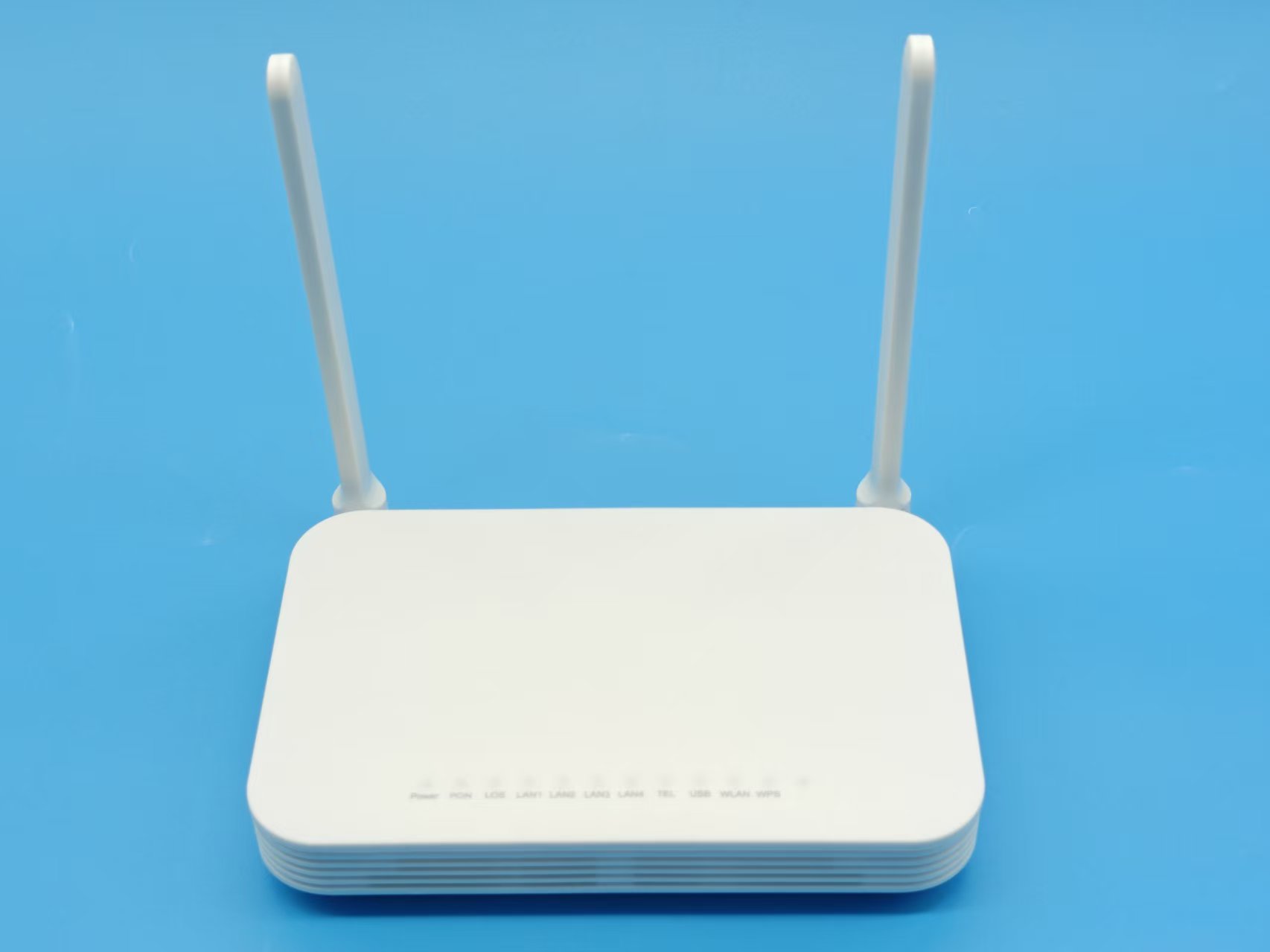
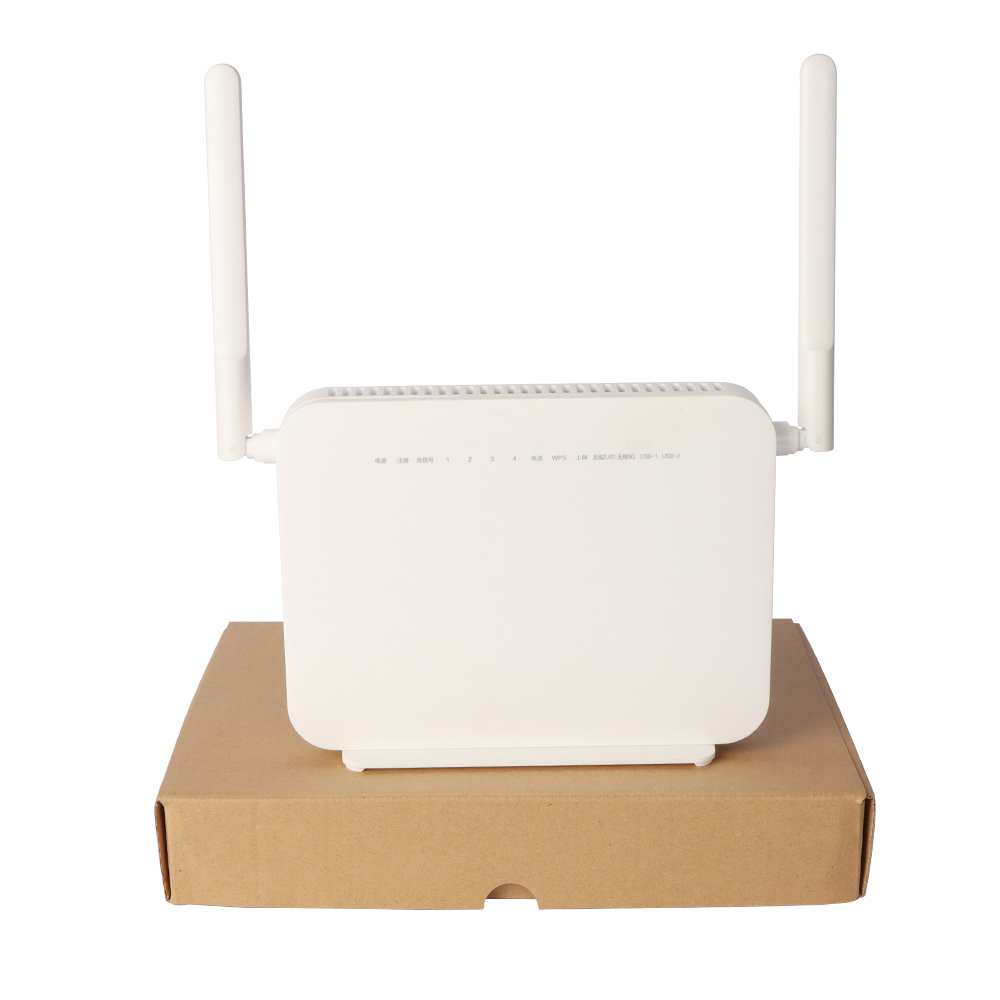
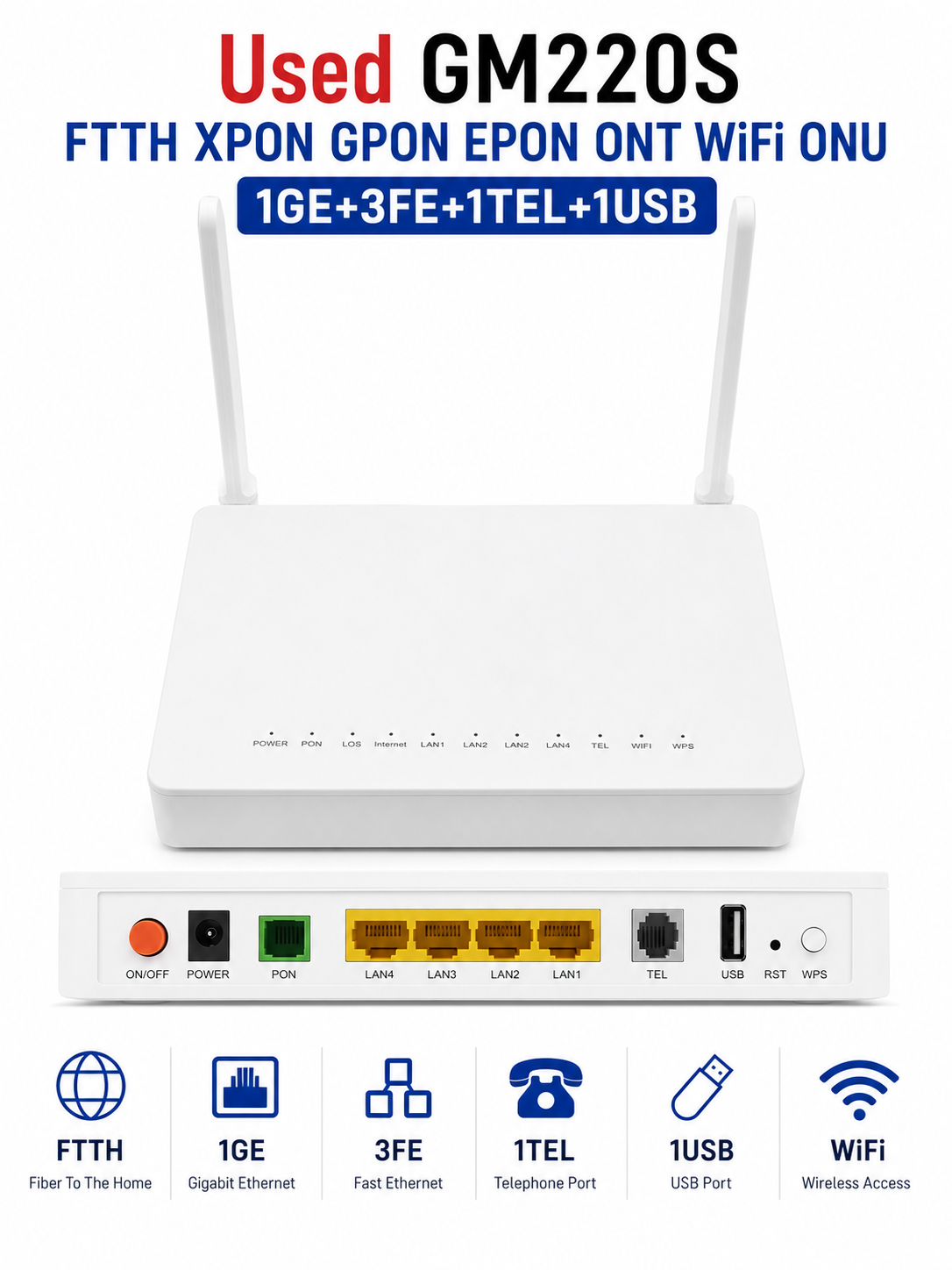
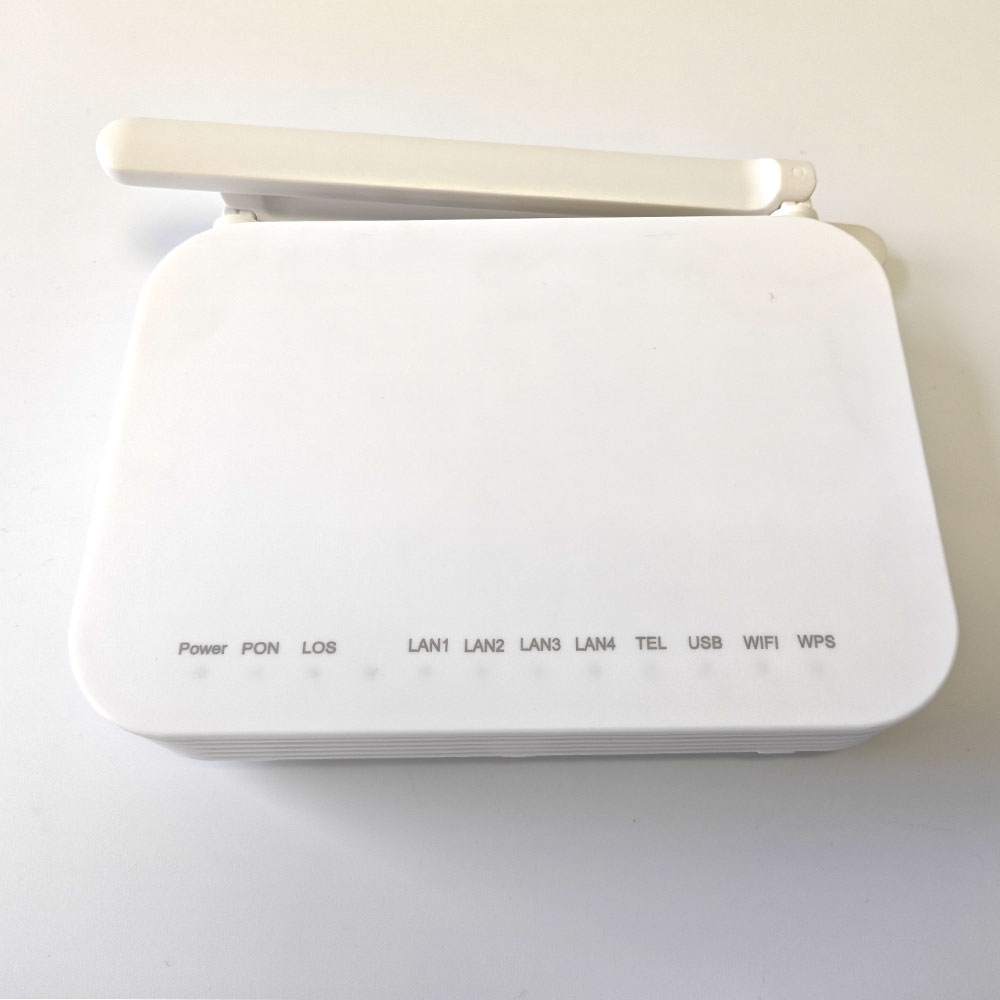
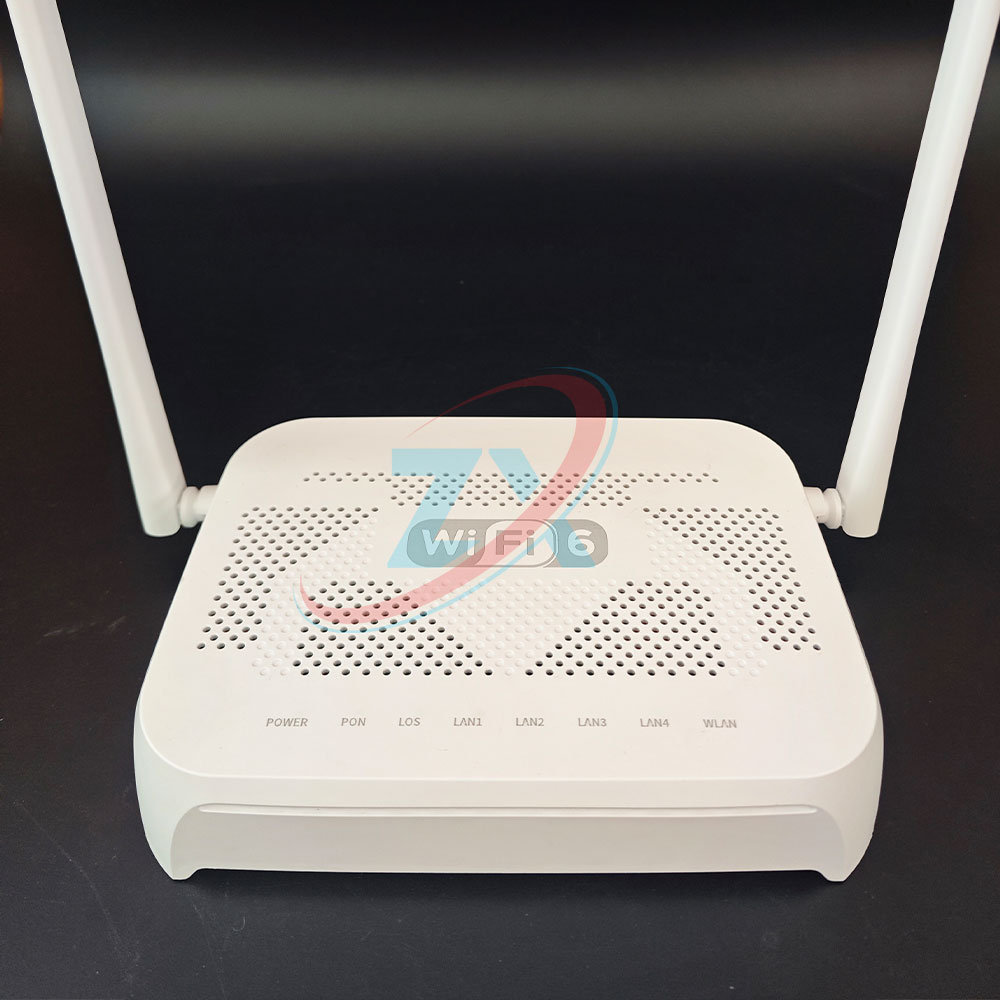
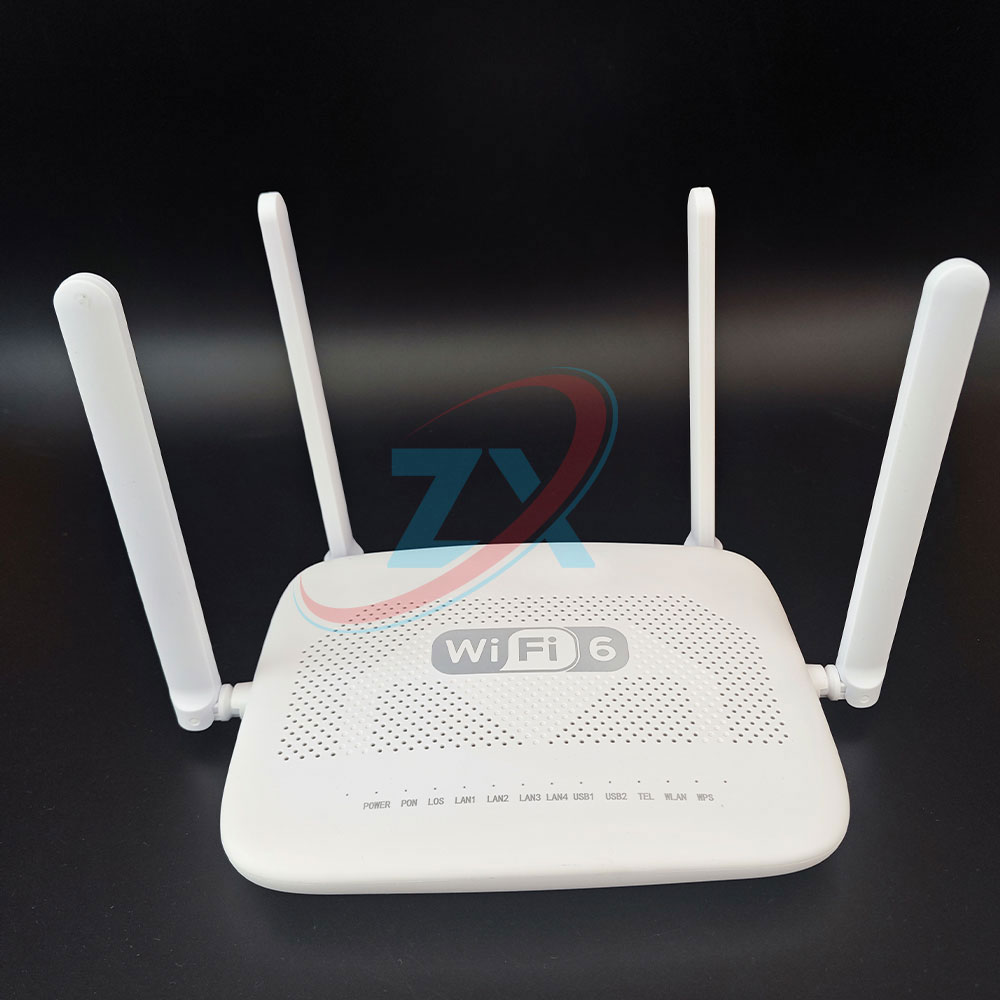
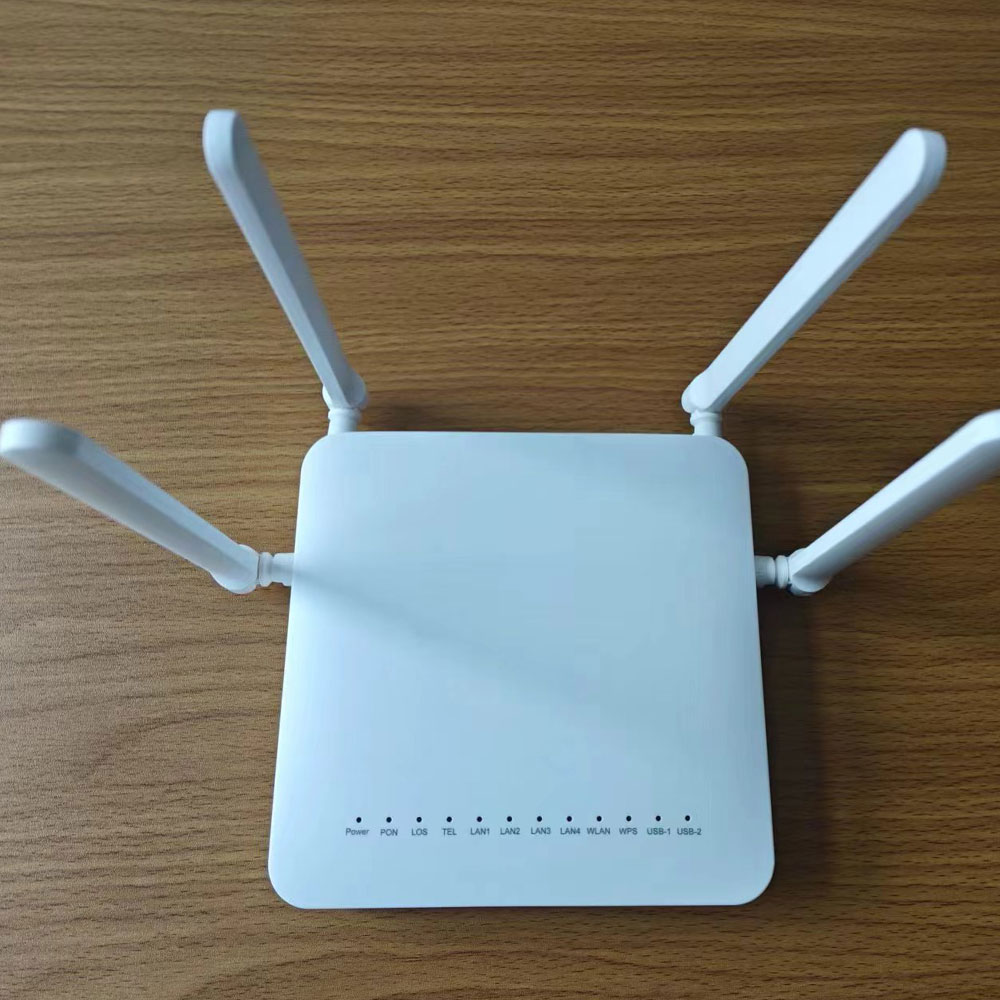
The PON (Passive Optical Network) light is the primary status indicator for your ONU (Optical Network Unit) connected to a fiber optic line. This light tells you whether your device is communicating with the provider’s OLT (Optical Line Terminal).
Here’s what you usually observe:
- Solid Green: The ONU is authenticated and actively communicating with the OLT. Your internet connection should be stable.
- Blinking Green: The ONU is powered on but cannot establish a full connection. This signals a registration or communication problem.
- Off or Red: No light means no connection, or a red light signals a hardware fault or critical error.
If you’re seeing blinking, it means your ONU is trying to connect but hasn’t succeeded, and that’s where troubleshooting begins.
Why Does the ONU PON Light Blink?
There are several common causes for ONU PON blinking, most of which involve a disruption in the smooth handshake between your ONU and the network’s OLT. Typical issues include:
1. Fiber Cable Problems: Fiber cables are sensitive to dirt, bends, and poor connections. Even minor physical defects can cause signal loss and prevent registration.
2. Registration Failure: Each ONU must be recognized by the OLT using its serial number or MAC address. Any mismatch, missing entry, or inactive profile results in repeated failed connection attempts, causing the PON light to blink.
3. Power Supply Issues: Insufficient voltage or a faulty power adapter can make the ONU lose connection stability. Hardware failures inside the ONU also manifest as blinking lights.
4. Incorrect Network Configuration: If your device’s parameters (service profile, VLAN, port assignment) don’t align with the OLT settings, the registration won’t complete.
5. Signal Quality and Distance: Excessively long fiber runs or low-quality splitters can reduce optical power, making it impossible for the ONU to lock onto the network signal.
As a first step, it’s worthwhile to visually inspect and clean all fiber connectors, check for tight connections, and ensure there are no sharp bends in the cable.
Interpreting GPON ONU PON LED Flashing and Faults
Most GPON ONUs use LEDs to indicate their operational status. A GPON ONU PON led flashing typically means that the device is attempting (but failing) to finish its registration process. This is different from the LOS (Loss of Signal) indicator, which often points to a complete absence of signal.
What sets the PON light apart is that it’s tied to the logical registration phase, not just the presence of optical power. If you’re troubleshooting, and the PON light keeps blinking while the LOS light is off, focus on registration or configuration rather than the physical fiber.
When You Get “ONU PON Light Blink No Internet” Issues
This problem is common in field troubleshooting. Here’s why it happens:
- The ONU isn’t authenticated by the OLT, so even though it powers up and sees the network, it can’t pass traffic.
- The fiber is dirty, broken, or poorly terminated, resulting in weak signal—enough to boot up, but not enough for a handshake.
- An incorrect record in the OLT means your ONU is orphaned from the network.
Without a solid PON light, you won’t have stable access to internet services, regardless of other equipment status.
Field-Tested Troubleshooting Steps for ONU PON Blinking
Let’s get practical. These steps are used by experienced ISP technicians across thousands of installations and maintenance calls. Here’s how to address fiber PON signal troubleshooting efficiently:
Step 1: Inspect Physical Connections
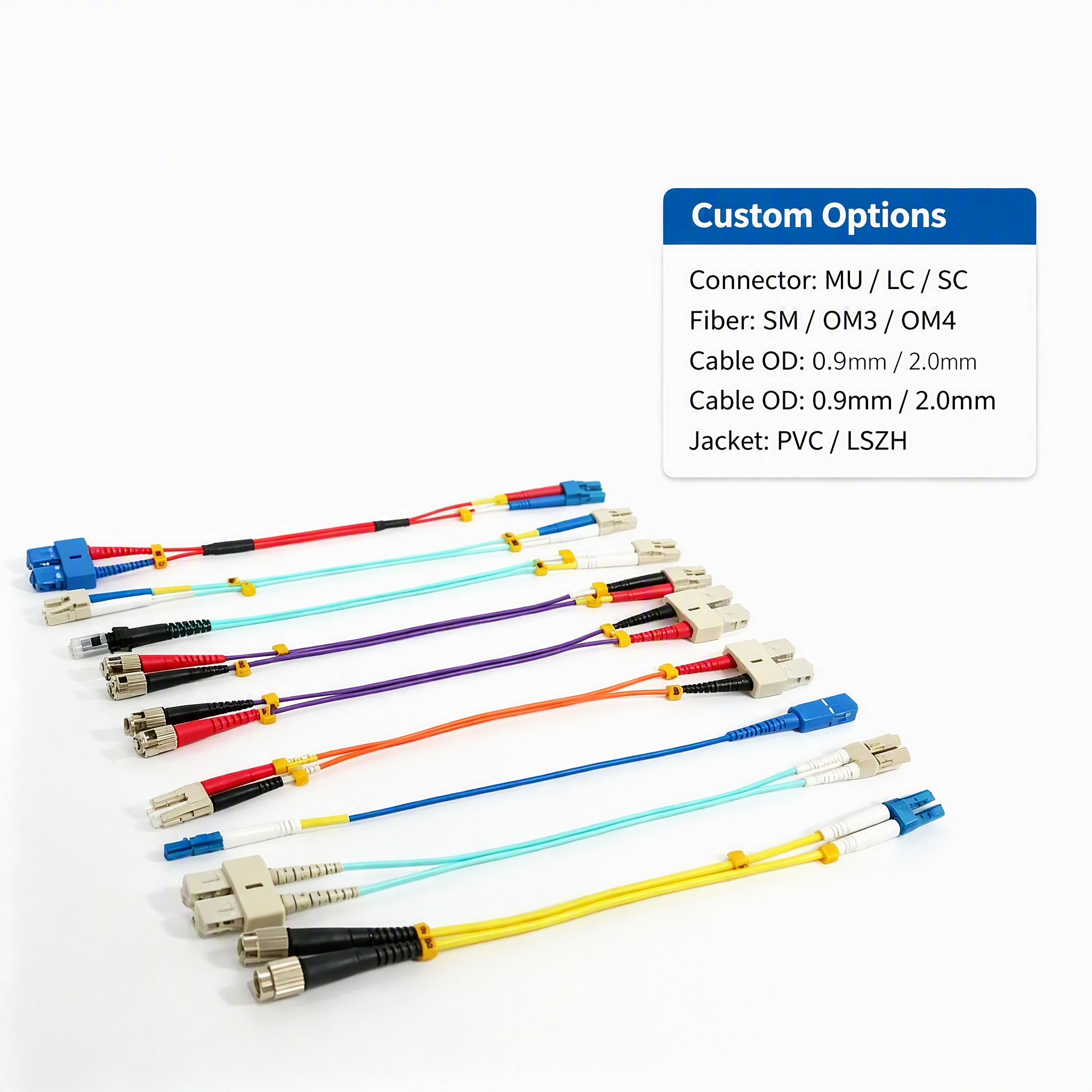
Check all fiber connectors—at the ONU, wall plate, and distribution box. Clean the tips using proper fiber cleaning tools. Remove any kinks or sharp bends in the cable. Confirm that the cable is seated properly in all ports.
Step 2: Measure Optical Power
Use an optical power meter to verify the signal strength at the ONU. Most devices operate reliably between -13 dBm and -27 dBm. If it’s outside this range, inspect upstream splitters, connectors, or cable runs.
Step 3: Confirm Registration in OLT System
Log into the OLT management platform. Make sure the ONU’s serial number matches the system records. If it hasn’t been provisioned, register it. If the port is inactive or has an invalid profile, correct it and reboot the device.
Step 4: Validate Configuration Settings
Network misalignment is a frequent cause. Ensure all VLAN, port, and service profile settings match the actual installation instructions and customer account details. Double-check for typos or missing entries.
Step 5: Swap Power Adapter or ONU
Replace the power adapter with a known-good unit to rule out electrical issues. If blinking persists, swap the ONU for another unit (if available) to confirm hardware health.
Step 6: Check Upstream OLT and Splitter
If everything at the customer end checks out, move upstream. Test signal and registration at each splitter and OLT port. Sometimes issues arise from splitters that degrade, OLT ports malfunctioning, or recent network changes that haven’t been documented.
Advanced FTTH Maintenance and Fiber Troubleshooting
For persistent or hard-to-diagnose problems, technicians use higher-level tools:
OTDR (Optical Time-Domain Reflectometer): This tool identifies the exact spot where fiber loss or breakage occurs, making it invaluable when physical issues are suspected in large FTTH deployments.
Firmware and Software Audit: Keeping both ONUs and OLTs up to date with manufacturer firmware helps avoid software-based registration faults.
Environmental and Structural Considerations: Weather, vibration, and poor cable routing can cause intermittent blinking. Securing cables away from mechanical stress points and protecting them in proper conduits helps reduce issues over time.
Documentation and Record-Keeping: Well-documented installs, with records of serial numbers and logical port assignments, streamline future troubleshooting and minimize repeat visits.
Preventive Strategies for ISPs and Technicians
Leading ISPs invest in proactive FTTH maintenance to reduce downtime and customer complaints. These steps include:
Routine site checks and fiber cleaning, especially after construction or severe weather events. Keeping updated inventory of ONUs, splitters, and adapters for rapid swaps. Performing periodic OTDR tests on main backbone lines. Rolling out firmware updates with clear communication to field teams. Consistent registration and provision validation, so new installs don’t fall through configuration gaps.
By following these measures, ISPs dramatically cut incidents of blinking PON lights and improve customer satisfaction.
The Role of Field Repair Technicians
When troubleshooting from home isn’t enough, ISP field repair techs bring hands-on experience and specialized tools. They use systematic line tests, replace hardware, and collaborate with central office teams to quickly pinpoint faults.
These professionals are trained to treat every blinking PON report seriously, investigate both physical and logical causes, and provide clear feedback to both customers and network operations staff. Their documentation ensures quick resolution for any future repeat issues.
FAQ: Common Questions About ONU PON Blinking and Fiber Maintenance
What does blinking PON light on ONU mean?
The blinking PON light means the ONU is powered but not fully registered with the OLT. The device is continuously trying to connect, usually because of a signal, configuration, or registration issue.
Why does the ONU PON light flash constantly?
Constant flashing results from a persistent connection attempt that isn’t completing. It often stems from dirty fiber connectors, mismatched registration details, or upstream network faults.
How to fix ONU PON blinking issue step by step?
Clean all connectors, check for tight cable seating, reboot the ONU, confirm registration with the OLT, verify configuration settings, and replace the power supply if necessary. If nothing works, escalate to ISP support for advanced network checks.
Can blinking PON lights affect internet speed?
A persistent blinking PON light blocks network access entirely. If it blinks only occasionally, you might see brief interruptions, but stable internet requires a solid PON light.
What should I do if blinking persists despite troubleshooting?
Contact your ISP for assistance. Technicians can remotely check registration, run diagnostic tests, and dispatch field repair if needed.
Additional Insights: Meaning of Other LED Status Indicators
Besides the PON light, other indicators like LOS (Loss of Signal), LAN, and power can provide more clues. Blinking LOS generally points to complete optical signal loss—often unrelated to logical registration. Multiple blinking LEDs suggest either a power issue or upstream equipment failure. For technicians, knowing how to interpret the full array saves time and directs troubleshooting efficiently.
ISPs use back-end dashboards to monitor fleets of ONUs. Central monitoring catches clusters of blinking lights after storms, allowing proactive dispatch of repair teams and minimizing network downtime.
Best Practices for Smooth FTTH Maintenance
FTTH maintenance isn’t just about fixing issues; it’s about preventing them. Thorough installations, regular cleaning, and accurate record-keeping make the network more resilient. Ensuring technicians have updated device firmware, proper tools, and real-time access to OLT dashboards empowers quick repairs and less customer frustration.
To sum up, the ONU PON light offers an early warning for potential network issues and should never be ignored. Blinking usually signals a registration or signal problem that needs immediate attention. By following systematic troubleshooting steps and maintaining proactive FTTH practices, both ISPs and customers can ensure reliable high-speed connections. Addressing blinking lights promptly guarantees the best performance and a positive user experience throughout fiber optic networks.