





What is the most common architecture used for delivering services to multiple customers in a FTTH network?
FTTH—short for Fiber to the Home—has completely changed the way people connect to the internet, making high-speed access a reality for households all over the world. If you’re ever wondered how service providers manage to get fiber to so many homes, or you’re considering an FTTH network for your business or municipality, this guide is for you. We’ll walk through what makes FTTH so powerful, dive into the architecture behind it, and help you understand how multiple customers can be served efficiently and reliably. By the end, you’ll know what to ask for, what to expect, and why FTTH is the gold standard for broadband today.
What Makes FTTH So Popular?
Let’s start with the basics: FTTH means your internet comes straight to your door via fiber optic cables. No more relying on old copper lines that slow you down or fall short when everyone’s online at once. Fiber is fast, rock-solid, and future-proof—it’s built to handle gigabit speeds, low latency, and whatever new apps or devices you add down the line.
Whether you’re streaming ultra-HD Netflix, gaming fiercely, or working from home, FTTH delivers smooth, lag-free experiences. More and more homes and businesses are switching to fiber every year, and for good reason: it’s an investment that just keeps paying off.
The FTTH Network’s Secret Sauce: Passive Optical Network (PON)
So, how do providers actually connect a town or neighborhood to fiber, without breaking the bank? The answer is the Passive Optical Network, or PON. It’s the most common FTTH architecture out there, and it’s brilliant in its simplicity.
Instead of running a dedicated fiber to every single house (that would be expensive!), PON lets one main fiber branch out to serve multiple customers. This is thanks to clever splitter hardware that takes the light signal and fans it out toward dozens or even hundreds of homes. The best part? These splitters don’t need electricity or constant tweaking—they’re “passive,” so maintenance stays low and reliability stays high.
Here’s the usual setup:
- The OLT (Optical Line Terminal) sits at the provider’s central office.
- Splitter boxes are installed along the route, dividing the signal among customers.
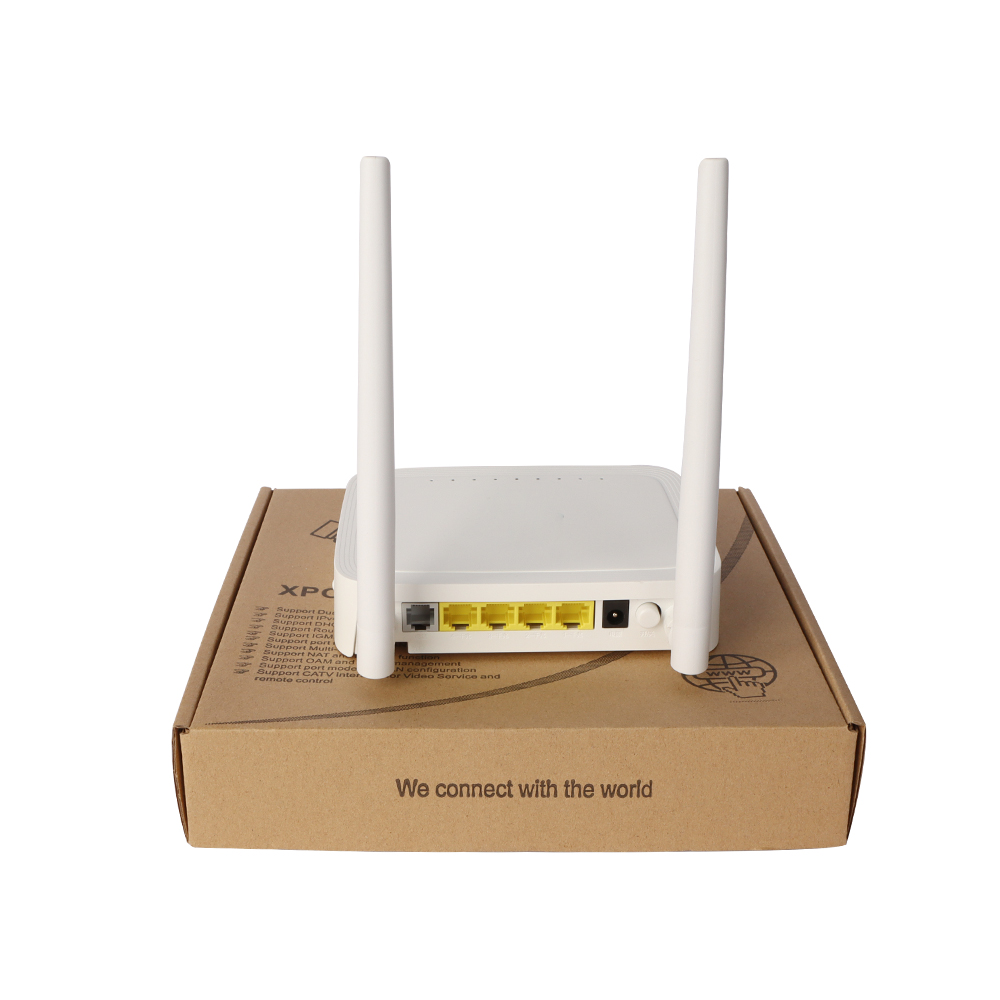
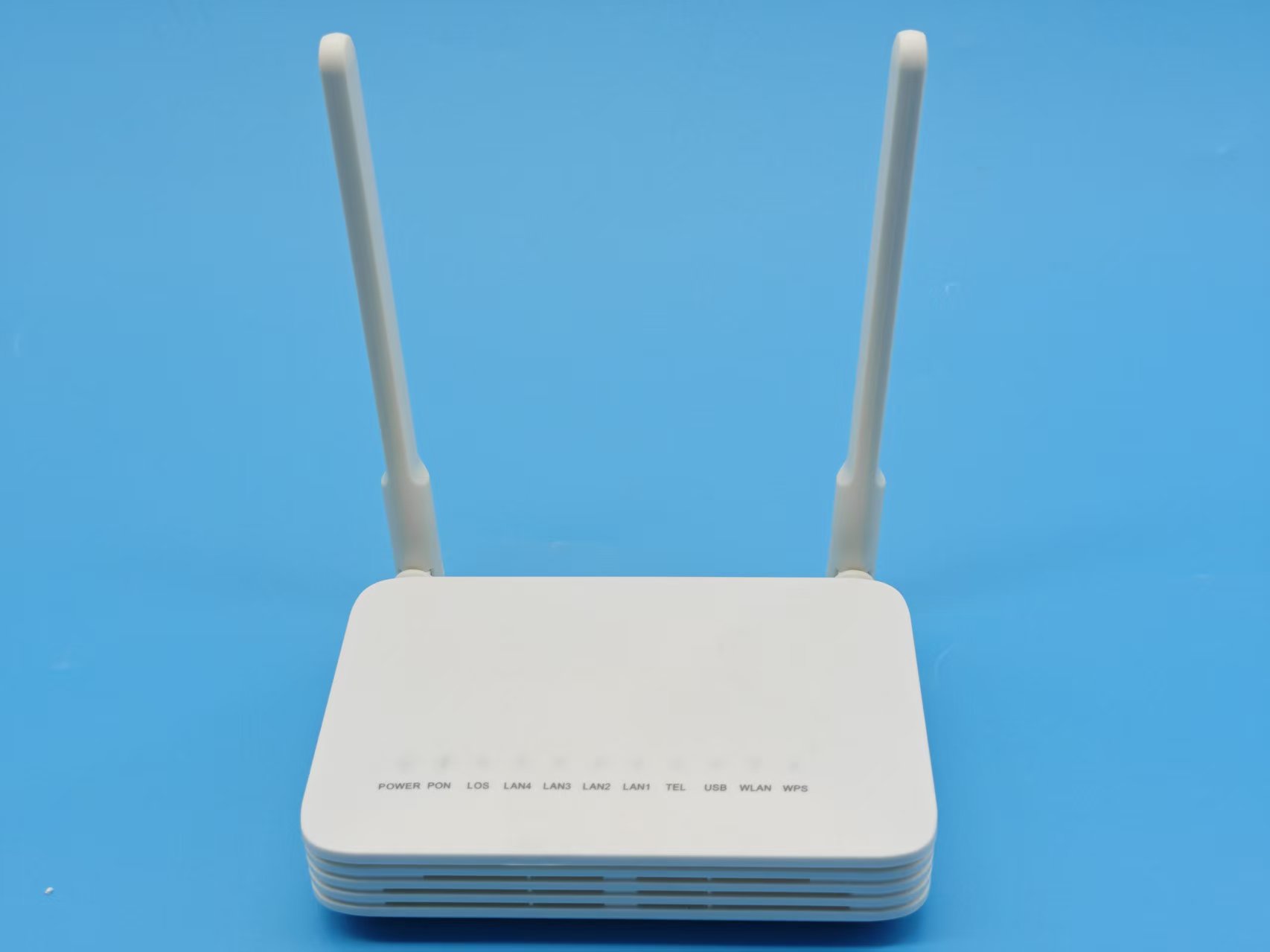
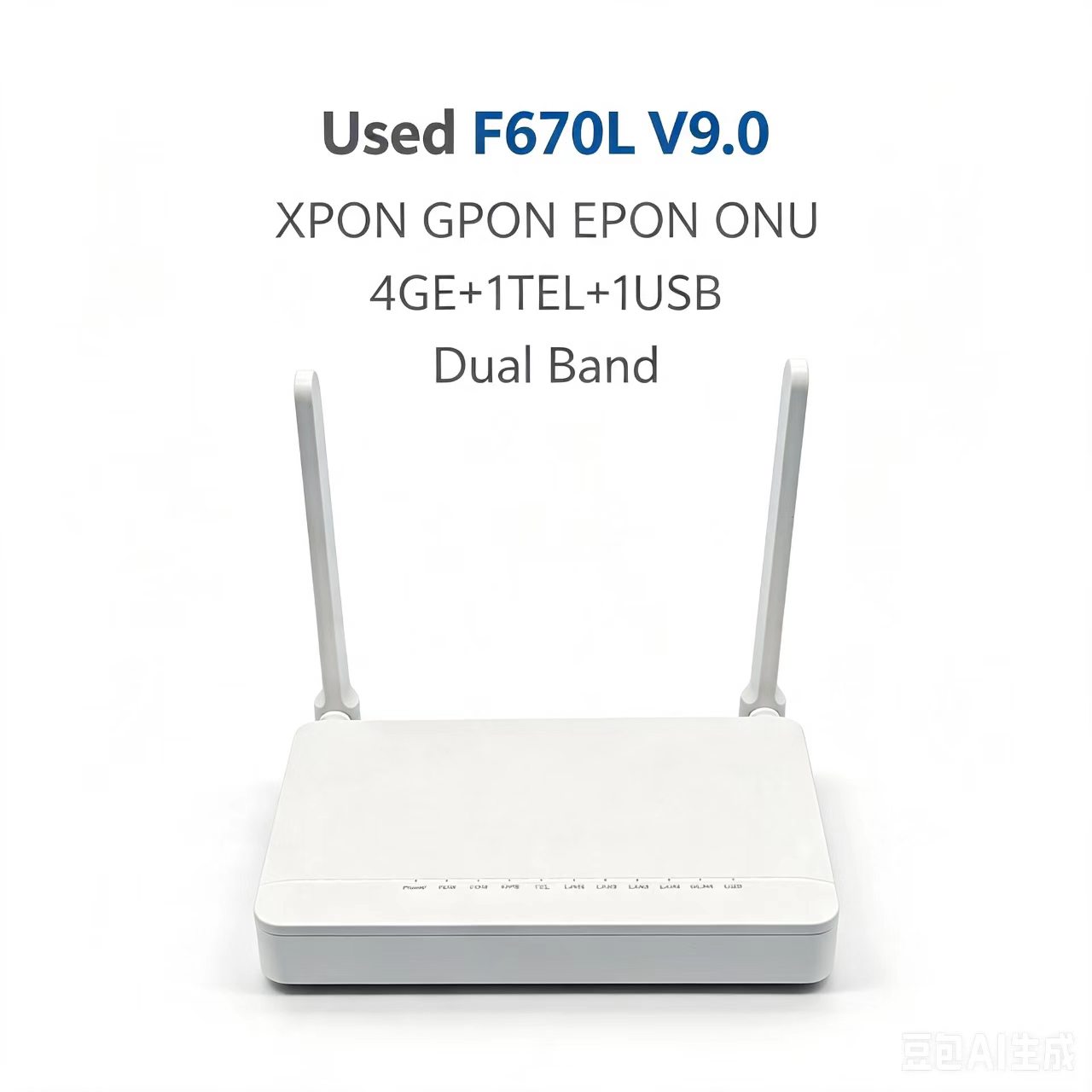
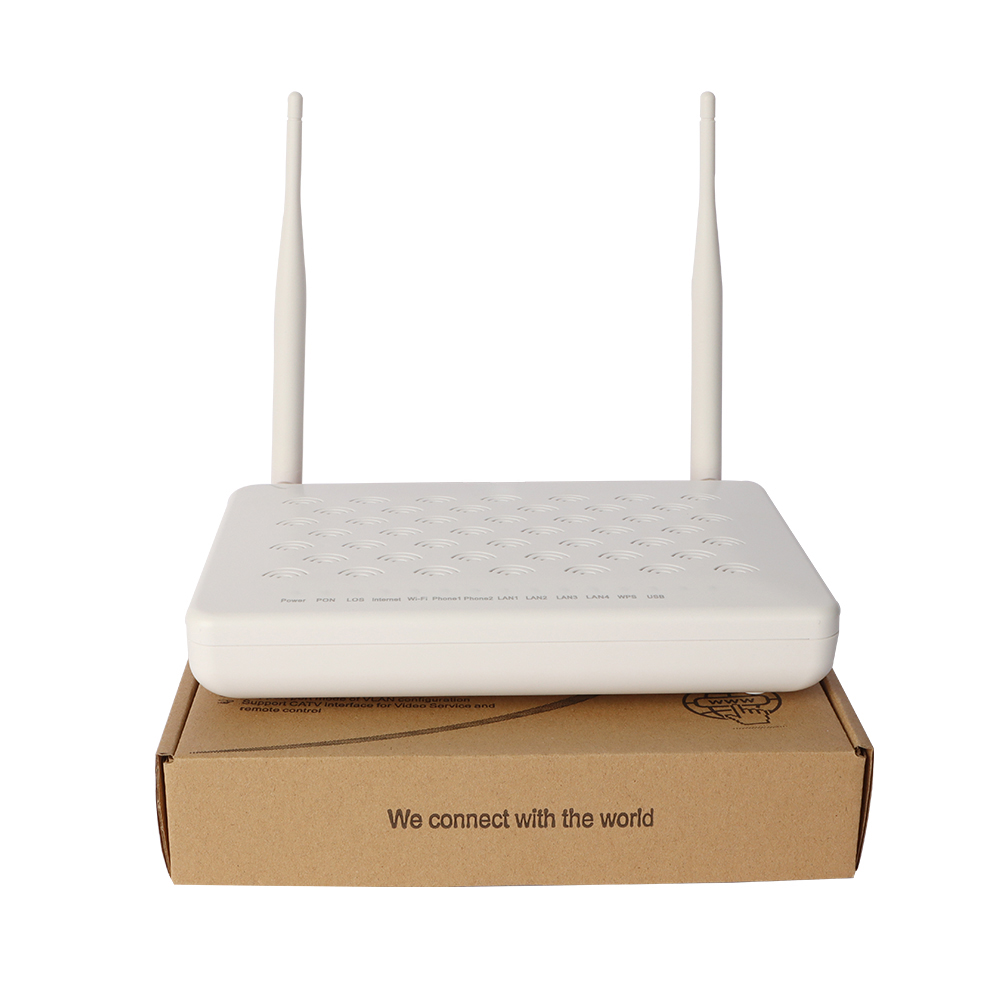
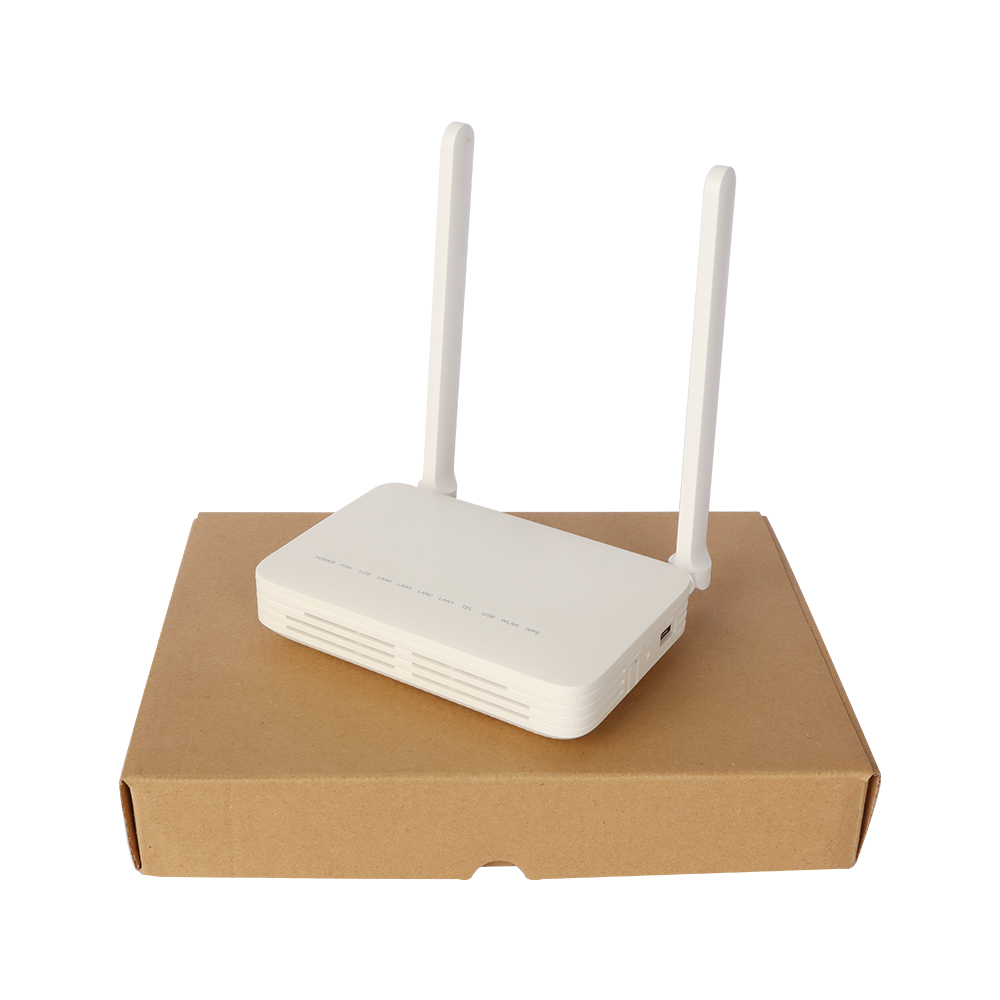
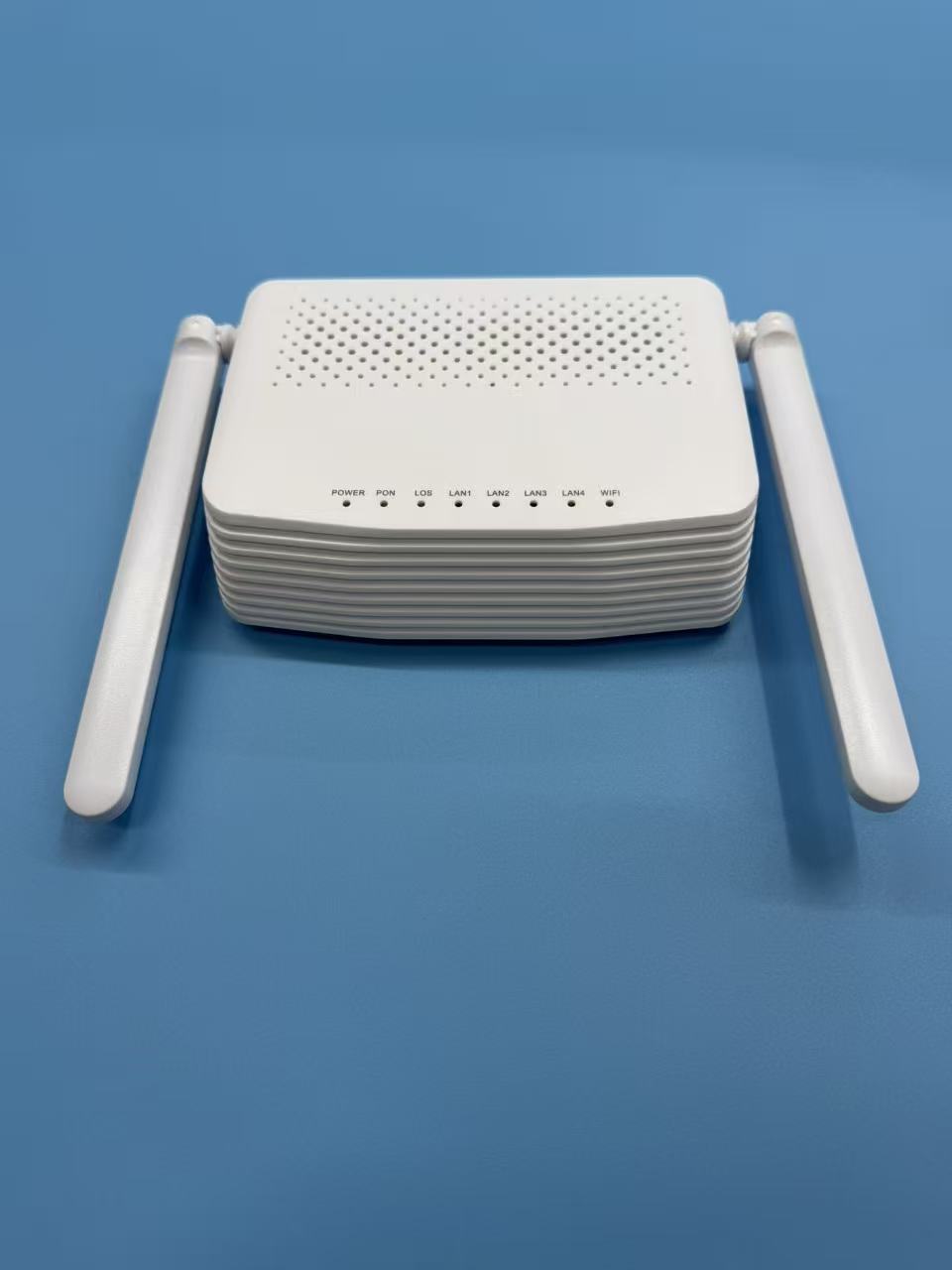
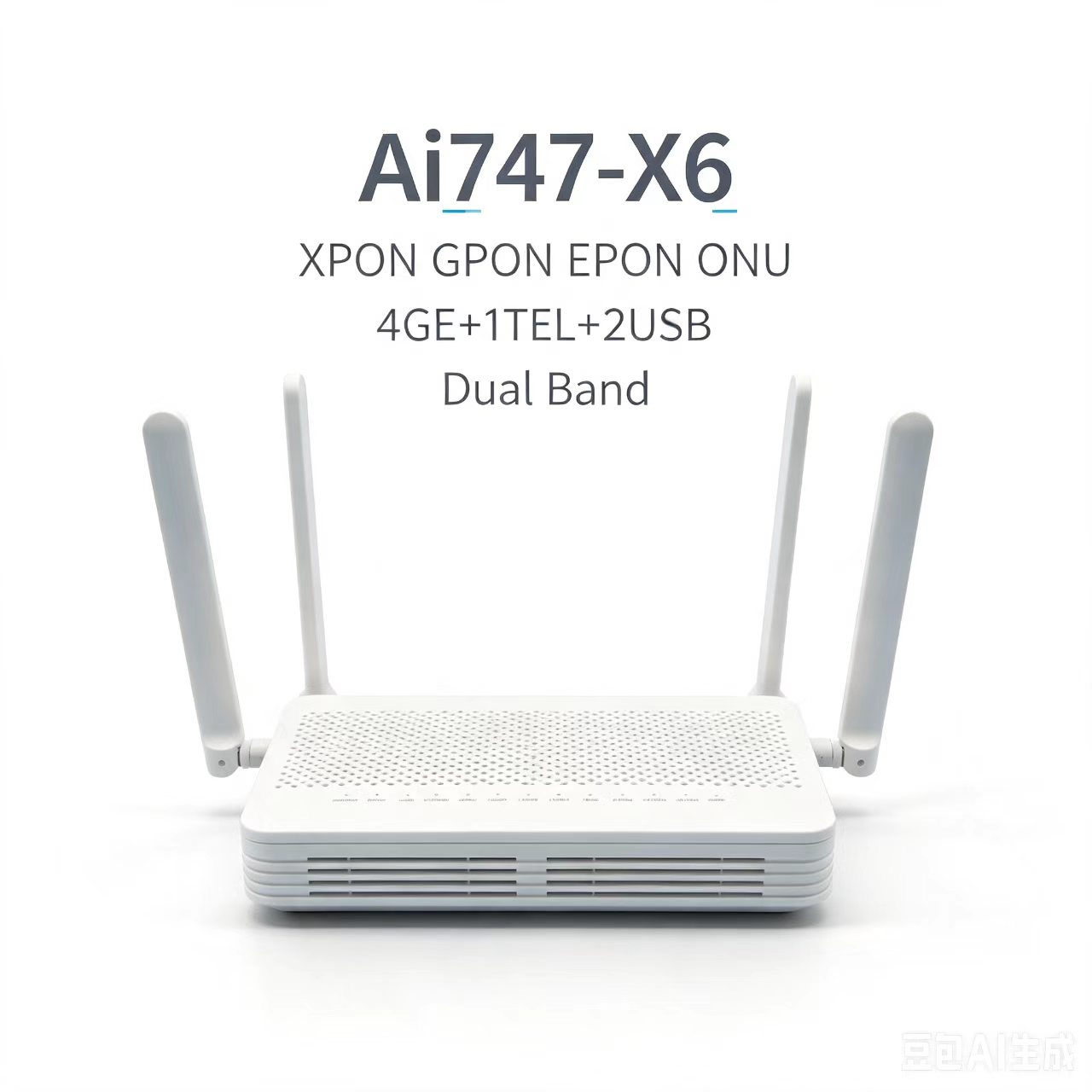
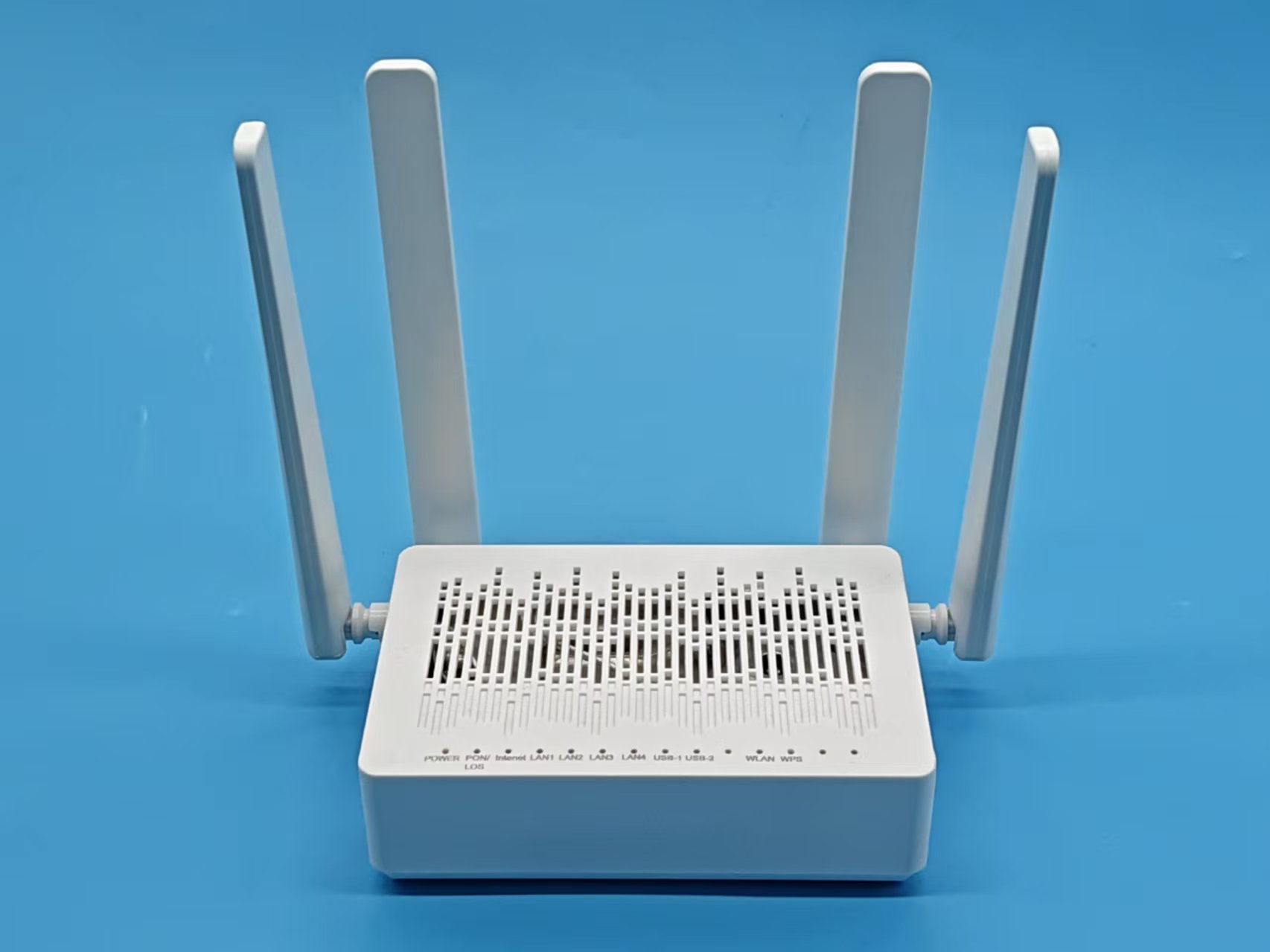
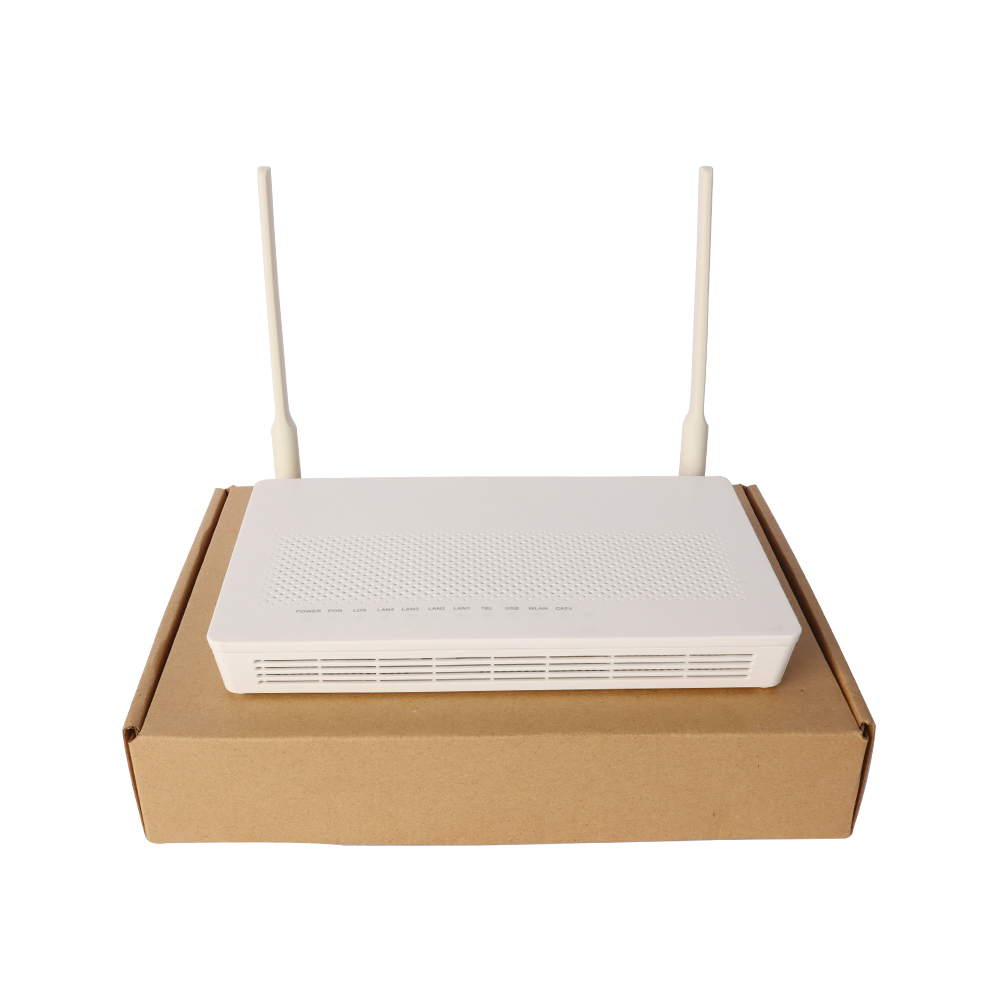
- Each home gets an ONT (Optical Network Terminal), which turns that light into usable internet (and sometimes TV or phone).
This smart architecture keeps costs under control while making it easy for providers to add new customers as areas grow.
How PON Makes FTTH Possible for Lots of Customers
Picture your internet as a flashlight beam sent down a long hallway. At some point, the beam hits a prism—our “splitter”—which spreads the light into smaller beams, each heading to a different room. That’s exactly how FTTH network PON works, except with laser signals and fiber cables.
Because splitters don’t need power (unlike old-school routers or switches), providers save on upkeep and electricity. When the light reaches your ONT box, it gets converted into Ethernet for fast internet, phone, and streaming. And since everyone shares the main fiber at some point, smart scheduling in the OLT ensures everybody gets their fair share and privacy.
Why is this such a hit?
- It’s affordable—no need for endless fiber runs.
- It grows smoothly. Splitters make it easy to add new users.
- It’s eco-friendly and low-maintenance since those splitters don’t need energy.
Meet GPON: The Most Popular Flavor of PON
If you ask any internet provider about their FTTH network, they’ll likely mention GPON, or Gigabit Passive Optical Network. This standard delivers up to 2.5 Gbps download and 1.25 Gbps upload speeds on a single fiber, then splits those speeds among 32-64 homes. For most people, that’s more than enough to stream, game, work, or run a small business.
GPON is the industry’s go-to for a few reasons:
It’s standardized, so hardware from different companies plays nicely together. GPON’s triple-play support means you can bundle internet, phone, and TV easily. Plus, upgrading from copper or hybrid systems is straightforward, giving old networks a boost without starting from scratch.
As data demands keep rising, newer standards like XGS-PON (up to 10 Gbps, all the time) and NG-PON2 (up to 40 Gbps for busy districts or enterprises) are popping up—not to mention future-proof upgrades. But for everyday homes, GPON is still king.
Active Optical Network (AON): Why Isn’t It More Common?
There’s another FTTH architecture called Active Optical Network (AON), and it works differently than PON. With AON, every customer gets their own dedicated fiber run all the way to a switch in the street or building. That means no sharing—top-notch speeds and privacy.
The catch? It’s expensive, needs more power, and requires more expert maintenance. That’s why AON is mostly seen in high-end business parks or big universities, not in regular neighborhoods. For mass-market broadband, PON is simply more practical and cost-effective.
How Fiber Gets Distributed: Point-to-Point vs. Point-to-Multipoint
Think of FTTH topologies as two ways of laying fiber. Point-to-point connects each user with their own cable—super fast, but super pricey. Point-to-multipoint, used by PON, sends one main cable out to a splitter, which then connects to many homes. This is how most neighborhoods and small towns get fiber today.
Point-to-point might make sense for luxe apartments, hospitals, or big businesses. For everyone else, point-to-multipoint PON is the best mix of speed, simplicity, and affordability.
Smart Planning: Splitter Locations, Fiber Reach, and Cabinets
Rolling out an FTTH network takes some savvy planning. Where you put your splitters can make a big difference—central splitters are easier to manage but may mean longer fiber runs; local splitters cut the journey but may need more cabinets. Most FTTH networks plan for about 20 kilometers (12 miles) from the central hub to homes, which keeps signals strong without expensive repeaters.
The cabinets and boxes installed along streets have to be weather-proof, easy to maintain, and built for future growth. When cities or ISPs plan FTTH deployments, they think about population density, local geography, and neighborhood expansion so they can scale up smoothly.
What’s Next in FTTH? XGS-PON, NG-PON2, and Upgrades
The internet keeps getting faster—and FTTH tech is keeping up. XGS-PON is here for businesses, smart homes, and big buildings, offering symmetrical speeds up to 10 Gbps. NG-PON2 goes even bigger, supporting 40 Gbps with multiple signal channels.
The best part? Providers can upgrade to these standards without ripping up old fiber, since they’re compatible with GPON installs. If you’re thinking about FTTH now, ask your provider about upgrade paths and future-proofing. That way, you won’t be left behind as demands grow.
Common Challenges—and How FTTH Architecture Makes Them Easier
Deploying a great FTTH network isn’t always smooth sailing. There’s the cost of the fiber, permissions for digging up streets, the need for expert installers, and ongoing repairs. But sticking with PON architecture helps in a big way:
Less power use and fewer risky parts in the field mean lower bills and easier troubleshooting. And because splitters and cabinets can be installed in stages, FTTH is perfect for growing communities—no need to do everything at once.
For buyers and planners, knowing how the architecture works means you’ll know what to budget for, what features to demand, and how to keep your system humming for years to come.
FAQ: What People Ask Most About FTTH Networks
Which technology is mostly used in FTTH deployments?
GPON is hands-down the most common tech for FTTH out there. It delivers fast, reliable speeds for neighborhoods, and providers know it inside out. If you hear someone say “fiber network,” odds are they’re using GPON.
What’s the difference between GPON and XGS-PON?
GPON is great for most houses and small offices (up to 2.5 Gbps down, 1.25 Gbps up), while XGS-PON is built for big buildings, businesses, and data-heavy homes (up to 10 Gbps symmetrical). Same architecture, but faster and more capable.
How does splitter ratio affect my fiber service?
Splitter ratios (like 1:32 or 1:64) affect how many homes share the main fiber. More splits means each user gets a smaller chunk, but it’s more affordable overall. Your provider will balance split ratios to make sure everyone gets plenty of bandwidth.
Can old copper networks be upgraded to FTTH?
Absolutely! FTTH can reuse ducts and routes from aging copper networks, and there are lots of ways to blend or migrate hybrid setups. Many cities do this to modernize quickly.
Summary
If you want fast, reliable internet for lots of customers, FTTH is the best way to go—and the Passive Optical Network (especially GPON) is the architecture that makes it possible. By sharing fibers intelligently, keeping costs low, and allowing easy upgrades as technology improves, FTTH makes life easier for everyone. Whether you’re a planner, buyer, or end user, knowing how FTTH works helps you make smart choices and get the most from your fiber investment. And with new standards on the horizon, you’ll never run out of speed or possibilities.