




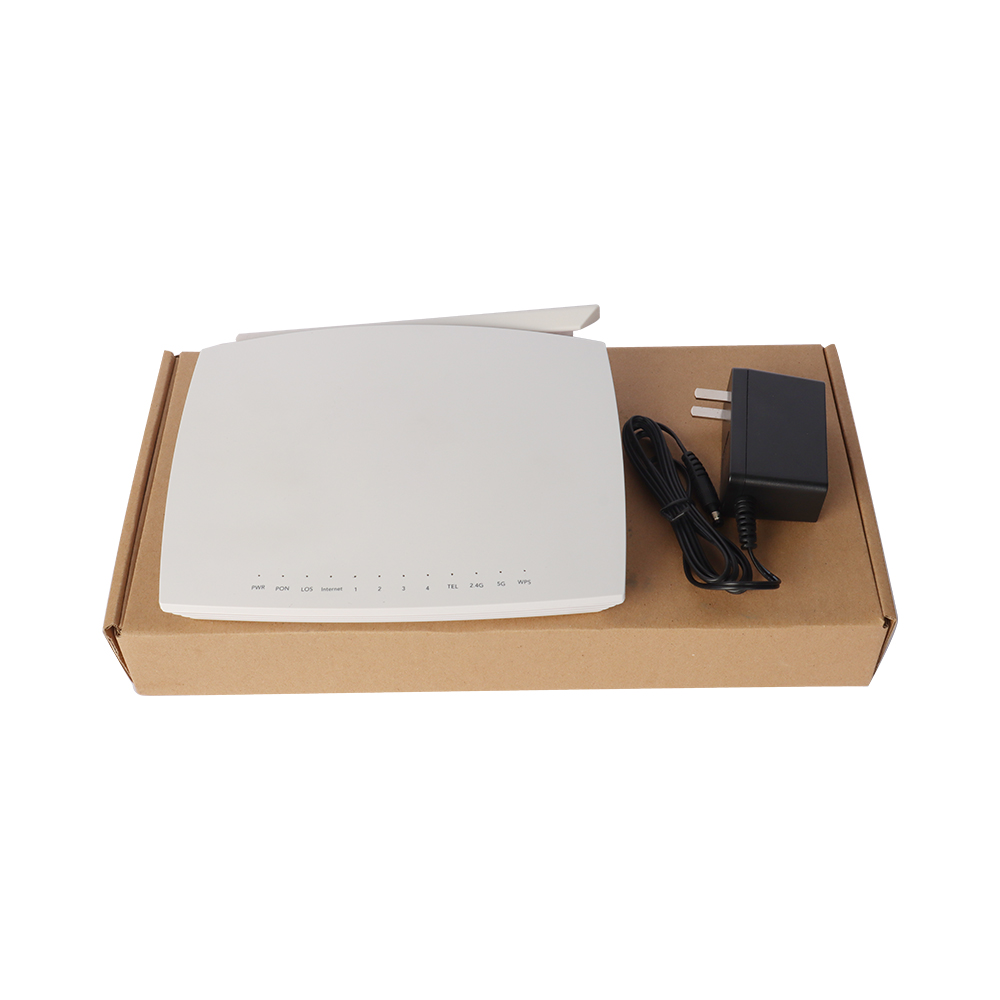
What is the best Wi-Fi router for fiber optic internet?
Switching to fiber optic internet is one of the best upgrades you can make to your online life. Lightning-fast speeds, zero lag, and smooth streaming are just some of the benefits fiber brings. But let’s be honest—if your Wi-Fi router isn’t up to snuff, all that awesome speed might not reach your laptop, phone, or smart TV. So, what is the best Wi-Fi router for fiber optic internet? Let’s break it down in everyday language, so you’ll find the perfect router with confidence—even if you’re not a tech guru.
Why Your Wi-Fi Router Matters With Fiber Internet
Fiber optic internet is a game changer. It’s so much faster (seriously, you’ll notice the difference immediately after you plug it in) than older cable or DSL connections. But the magic doesn’t just happen because you switched. Your router is in charge of taking that fiber signal and spreading it to all your devices wirelessly. If you’re using an old router from 2015, you may not get even half of what you’re paying for!
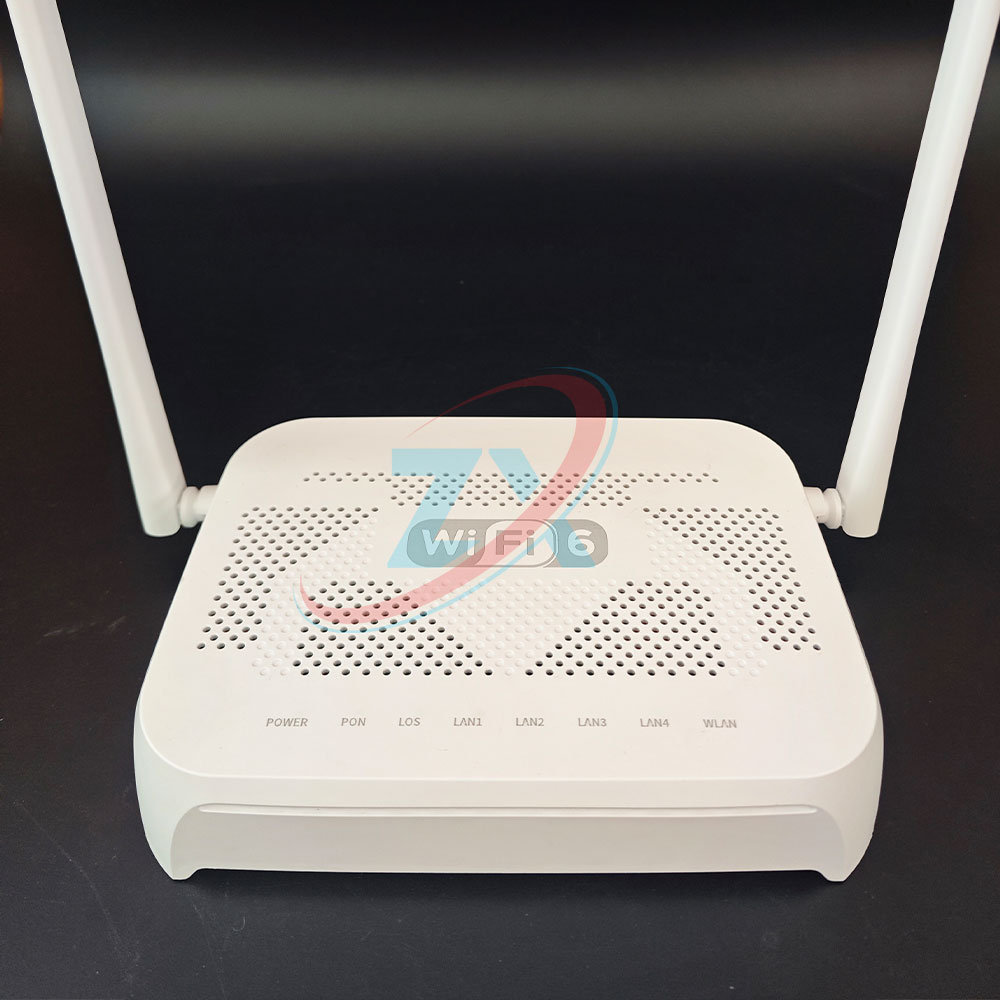
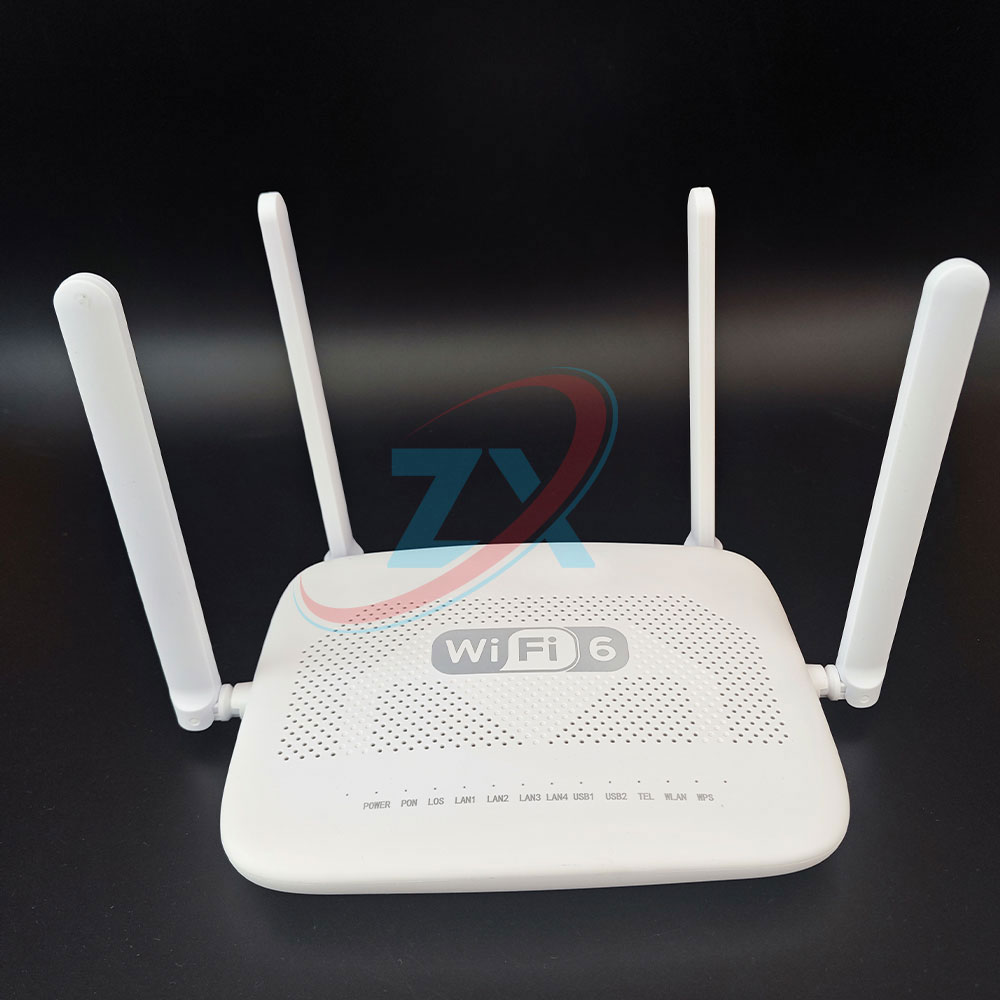
Here’s the simple truth: your router needs to be fast, modern, and compatible with fiber to let you enjoy the internet like you should. You’ll want gigabit-speed support, up-to-date WiFi standards (think WiFi 6 or WiFi 6E), and powerful antennas. And trust me, the right router will fix those annoying dead zones, buffering, or dropped Zoom calls for good.
What Makes a Wi-Fi Router Great for Fiber?
Okay, so you’re ready to shop. What should you look for? Here are a few features that make a Wi-Fi router really shine with fiber optic:
WiFi Standard: Go for WiFi 6 (also called 802.11ax). It’s much faster and can handle way more devices than the old versions. For even more future-proofing, you might think about WiFi 6E or WiFi 7. These new standards offer extra bands, less interference, and crazy speeds for gaming or smart homes.
Speed Ratings: Your router should support at least 1 Gbps (gigabit) speeds, since most fiber plans start here. If you’ve got lots of devices or you stream in 4K, a dual-band or tri-band router can keep up.
Processor and RAM: Don’t overlook this! Routers with faster processors (multi-core) and decent RAM (256MB+) handle big families or busy apartments way better.
Coverage: Powerful antennas, beamforming, and MU-MIMO (which lets the router talk to several devices at once) are awesome for spreading WiFi across large homes or offices.
Security: Routers now come with WPA3 encryption, built-in firewalls, guest networks, and easy parental controls—so you can keep your data safe without headaches.
Smart Features: Want to manage your WiFi from your phone? Parental controls, easy app setup, and mesh support make your life easier and your network smarter.
Best Wi-Fi Routers for Fiber Internet in 2024
Here’s a quick look at some routers that people (and tech reviewers) are loving right now for fiber optic:
1. ASUS ROG Rapture GT-AX11000: This beast is built for speed. It’s tri-band, supports WiFi 6, and has killer gaming features. If you want NO slowdowns, this one’s worth every penny. It even has a 2.5 Gbps WAN port, so you won’t bottleneck your fiber connection.
2. Netgear Nighthawk AX12 (RAX120): The Nighthawk series is legendary. This one looks slick and handles WiFi 6, 5GHz, and crazy fast speeds (up to 6 Gbps). Ideal for streaming, video calls, and big smart home setups.
3. TP-Link Archer AX90: If you want something reliable and affordable, this dual-band WiFi 6 router nails it. Easy setup, excellent coverage, and it won’t break the bank.
4. Google Nest WiFi Pro: Super easy to set up and perfect for mesh networks. If you have a bigger house and want WiFi everywhere, Nest WiFi Pro (WiFi 6E) does a great job and fits seamlessly with Google smart devices.
5. Linksys Atlas Max 6E: This router is all about coverage. It supports WiFi 6E, mesh setups, and handles tons of devices. Great for families or home offices.
Pick the router that matches your space and usage. If you don’t need hardcore gaming features, skip the huge models and get what fits your needs. Ask yourself—how big is your home? How many devices at once? Which smart features will you actually use?
Setting Up Your Wi-Fi Router for Maximum Fiber Speed
Buying the right router is half the battle. Setting it up right is just as important! Here’s how to make sure your fiber WiFi is running as fast as it should:
Put your router somewhere high and central—like a bookshelf or desk, not in a closet or behind your TV. Avoid corners, thick walls, or near microwaves (they mess with your signal!).
Use both 2.4GHz and 5GHz bands. 5GHz is faster; 2.4GHz reaches further. If your router has WiFi 6E, check out the new 6GHz band for super-fast, interference-free connections.
Check for firmware updates. Manufacturers release these to fix bugs and improve speed. You can usually update right from the app or web dashboard.
Set up parental controls and guest networks if you have kids or visitors. Quick with modern routers!
Always use strong passwords and WPA3 security. It keeps hackers out and your WiFi safe.
Mesh Wi-Fi for Whole-Home Coverage
Ever had dead spots? Mesh WiFi routers are your savior. Instead of just one big router, mesh systems use several “nodes” that work together. Place them around your home for total coverage, so your devices can hop smoothly between them without losing signal.
Mesh routers are especially awesome if you have a multi-story house or lots of thick walls. Just scatter the nodes in open areas (try hallways or upstairs landings) and avoid hiding them away. Google Nest WiFi Pro and Linksys Atlas Max 6E are brilliant mesh choices for fiber.
If you prefer one powerful router and your home isn’t huge, put it up high in the middle—it really makes a difference.
Keeping Your Wi-Fi Secure With Fiber Internet
Fiber speeds are amazing, but you definitely don’t want strangers sneaking onto your network. Modern routers are loaded with security features—don’t ignore them! WPA3 encryption is standard now, and it’s way stronger than old WPA2.
Set up a guest network for visitors (so they can’t access your files). Turn on parental controls for your kids’ devices if you want extra peace of mind. Keep your router firmware updated—most routers let you do this automatically, but check every few months to be sure.
If you work from home or have smart locks/cams, segment your network with VLANs or guest SSIDs. That way, IoT devices can’t peek at your work laptop. For offices or big families, routers like ASUS and Netgear offer built-in antivirus and real-time threat alerts. Sometimes you pay a bit extra for these, but if you value privacy, it’s totally worth it.
WiFi 6, WiFi 6E, WiFi 7—What’s Right for Fiber?
It feels like every time you shop for routers, there’s a new WiFi standard. So which should you go for?
WiFi 6 is now the must-have baseline for fiber. Faster speeds, better device handling, less lag. WiFi 6E opens up a new 6GHz band, which is amazing for gaming or VR (super low latency, less interference). WiFi 7 is just starting to appear—if you want absolute mind-blowing future-proofing, look for routers launching WiFi 7 support (we’re talking up to 30 Gbps speeds soon!).
If you just want reliable, fast WiFi for streaming and regular browsing, WiFi 6 is plenty. Enthusiasts, gamers, or big offices might consider 6E or 7 if they want the best of the best. Just make sure your devices can use those new bands, or you won’t see all the benefits!
FAQ: What Everyone Wants to Know About Fiber Wi-Fi Routers
Which WiFi router is the fastest? Right now, tri-band routers with WiFi 6E or WiFi 7—like the ASUS ROG Rapture GT-AXE11000—are leading the pack. They handle crazy speeds and loads of connections. But actual speed depends on your fiber plan and how many gadgets you’re running.
Do I need a special router for fiber? Not exactly, but you need a router with a fast Ethernet WAN port (at least gigabit!) and WiFi 6/6E support. Avoid older routers—they’ll limit your fiber speeds big time.
Can I use mesh WiFi with fiber? Absolutely! Mesh routers love fiber connections. They spread those fast speeds everywhere, and adding more nodes is super simple. Just make sure each node is up-to-date with WiFi 6/6E support.
How can I tell if my router is slowing down my fiber? Run an online speed test with your device wired directly to the router, then again over WiFi. If wireless speeds are way lower than wired, or you see lag, your router may be the bottleneck. Time to upgrade!
Do you really need WiFi 6E or WiFi 7 for fiber? If you want the absolute best and have lots of modern devices, yes. But for regular streaming, browsing, and smart gadgets, WiFi 6 is more than enough. Upgrading makes sense as new devices hit the market.
Picking the Right Router for Your Home or Office
The best Wi-Fi router isn’t always the one with the most features—it’s the one that fits your setup:
Small Apartments: Go for a solid WiFi 6 router like TP-Link Archer AX90. Good coverage, easy use, and budget-friendly.
Big Houses: Mesh WiFi routers (Google Nest WiFi Pro, Linksys Atlas Max 6E) will make sure you’re online everywhere. Add nodes as you need them.
Gamers & Power Users: Tri-band routers (ASUS ROG Rapture GT-AX11000) with multi-gig ports and customizable settings. They’re built for speed and heavy use.
Smart Homes: Look for routers with strong security and easy app setup. Mesh is super handy for connecting smart sensors, locks, or cameras.
If your fiber installer gives recommendations, follow them—they know what works for your ISP. And double-check return policies in case you need to swap out your choice.
Future-Proofing Your Fiber Network
Let’s face it, tech moves quickly. Future-proofing your Wi-Fi setup means you won’t have to upgrade every year:
Pick routers with WiFi 6E or WiFi 7 support, even if your gadgets are still catching up. That way, when you eventually upgrade devices, your router is ready.
Multi-gig ports are smart if your ISP offers faster speeds later. Mesh routers make expansion easy—just buy more nodes instead of a whole new system.
Support matters. Choose brands that offer regular firmware updates and solid customer service. Read some reviews, check out tech forums, and choose a router that’s going to stick around.
So, what’s the bottom line? Getting the best Wi-Fi router for fiber optic internet is about finding a router that matches your speed, space, and habits. Make sure it’s got WiFi 6 or WiFi 6E, gigabit ports, and solid coverage. Mesh routers are lifesavers for big homes or if you want seamless roaming everywhere. Don’t forget security—set up WPA3, get regular updates, and use guest networks for visitors. And if you want to future-proof, keep an eye out for WiFi 7 and multi-gig ports. With the right router and setup, your fiber connection will be blazing fast and reliable, no matter how many devices you throw at it. Happy surfing!