





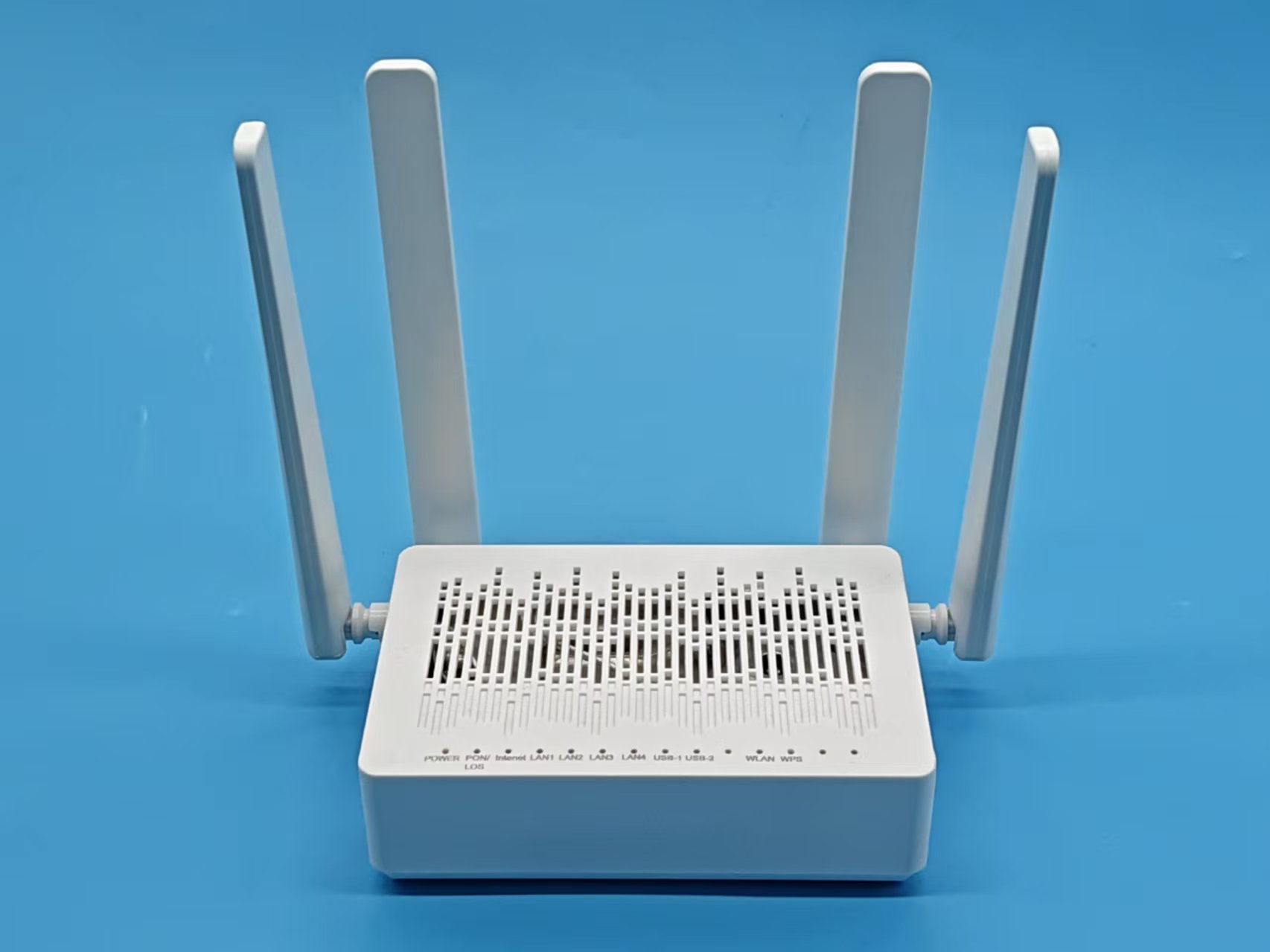
Single-Band vs Dual-Band Router: Which Is Best for Home?
Picking out a new router for your home can feel like a big decision—especially if you aren’t a tech expert. With so many options and features thrown around, it’s easy to get lost in the technical jargon. But let’s keep things simple: the choice often boils down to single band vs. dual band routers. If you’re wondering what makes them different and which one is better for your place, you’re in the right spot. In this guide, we’ll walk you through what each option means, their pros and cons, and how you can choose the best router for your home’s WiFi needs—without the headache.
What Exactly Is a Single Band Router?
So, let’s start with the basics. A single band router only broadcasts on one frequency—usually the 2.4 GHz band. Why does this matter? Well, the 2.4 GHz frequency is super common and most of your gadgets (phones, printers, smart speakers, you name it) know how to connect to it without a hitch. Another perk is that the 2.4 GHz signal travels further and punches through walls better—so you’ll probably get WiFi in the far corners of your home.
But here’s the catch: since everyone in your neighborhood is also using this band, it gets crowded. You might notice things slow down if a lot of people are online at the same time, or if you live in a busy apartment building. Single band routers are usually best for basic internet stuff like scrolling through social feeds, checking email, or watching the occasional video.
Getting to Know Dual Band Routers
Now, let’s switch gears and talk about dual band routers. These routers can broadcast on not just the 2.4 GHz band, but also a second, faster frequency: 5 GHz. Not to throw too many numbers your way, but basically, 5 GHz gives you more speed and less interference. If you’re streaming HD movies, playing online games, video calling for work, or your household is packed with smart devices, the 5 GHz band will make your life way easier.
The dual band thing also means less fighting over WiFi. Have kids doing homework, someone working from home, and others streaming TV? You can split up your devices and free up the “traffic jam.” Just keep in mind, the 5 GHz band doesn’t go through walls or travel as far as 2.4 GHz, so you might need to keep the router fairly central or consider signal boosters in larger homes.
Single Band vs Dual Band: What’s the Real Difference?
Let’s lay it all out there. The main differences come down to frequency bands, speed, coverage, and how well each deals with busy “internet airwaves” in your home. Here’s what’s important:
Frequency: Single band routers use only 2.4 GHz. Dual band routers handle both 2.4 GHz and 5 GHz.
Speed: You’ll get decent speeds on a single band, but nothing compared to the fast lane you’ll find on a 5 GHz connection. Streaming 4K? Gaming online? Dual band’s your best friend.
Coverage: Single band wins when it comes to coverage and getting through walls. For wide-open spaces, both are handy. For bigger homes, dual band routers usually have better antennas or can be paired with extenders.
Interference: The 2.4 GHz band is crowded—not just with your own devices but with all your neighbors’. Dual band routers let you dodge that digital traffic jam by switching to the 5 GHz band.
In a nutshell: dual band routers are more versatile, but that doesn’t mean everyone needs one. It comes down to your home setup and how you use the internet.
Where Single Band Routers Shine
Don’t write off single band routers just yet—they’re solid workhorses for the right situation. Here’s when a single band router makes sense:
They’re affordable: If the budget is tight, single band routers usually cost a lot less and don’t overload you with complicated tech features.
Simplicity: Setup is straightforward, and there’s only one network to think about. All your devices will connect easily.
Sufficient coverage for small to mid-sized homes: If you don’t have lots of walls or thick floors, you’ll likely get decent range.
In short, if you’re living solo or with a partner and your internet habits are basic (think: emails, web browsing, maybe a little Netflix here and there), a single band router will probably check every box. Plus, if you’re renting or expect to move soon, it’s an easy investment.
Why Go Dual Band?
Most families and anyone who loves their streaming or smart gadgets are gravitating toward dual band routers these days—and for good reason. Let’s break down why:
Faster speeds, lower hassle: The 5 GHz band is less crowded and much faster, making those Netflix nights or Zoom meetings smooth and buffer-free.
Better with lots of devices: Got a house full of phones, laptops, smart TVs, thermostats, and cameras? You’ll quickly appreciate being able to “assign” heavy-duty devices to the 5 GHz band and let everything else stay on 2.4 GHz.
Flexibility: Dual bands let you split up your tech so everyone isn’t competing for the same bandwidth.
Ready for the future: As more of us add smart doorbells, voice assistants, and WiFi-connected appliances, having a dual band router ensures your network won’t choke under the pressure.
For families, work-from-home folks, gamers, and anyone with more than a handful of connected devices, investing in a dual band router is money well spent.
Choosing What’s Right for Your Home
So, single band or dual band? Here’s a quick reality check: If you only use your WiFi for light web surfing, social media, and a little streaming, and your place isn’t teeming with gadgets, you’ll do just fine with a single band router.
But if your home looks more like a tech showroom—or you’re constantly fighting for speed because so many devices are online—a dual band router will solve a lot of headaches. If you have lots of walls, live in a densely populated area (like a big apartment complex), or spend a lot of time video calling, the 5 GHz option is worth every penny for the stable, fast connection.
Here’s a no-fuss guide:
- Small households with basic needs: single band is OK.
- Medium to large households, multiple heavy users, or lots of smart home gadgets: go dual band.
Things to Think About Before You Buy
It’s not just about how many bands your router has. Here are some useful things to consider before snagging your new WiFi gear:
How fast is your internet plan? If you pay for high-speed internet, you need a router that can actually give you those speeds—single band might bottleneck fast connections.
How many devices are in use? More devices mean more competition for WiFi. If you’ve got a bunch of phones, tablets, smart TVs, and smart gadgets, a dual band router will handle the stress better.
How big is your space? Larger homes might need a router with a strong signal or even consider adding mesh extenders.
Are you building a smart home? The more “smart” you get, the more you need a router that can juggle lots of devices—dual band shines here.
Budget concerns? Don’t overlook single band if you want to save money and don’t need blazing-fast speeds everywhere.
Features: Look for extras like parental controls, guest WiFi, or mesh compatibility if your household would use them.
No matter what, think about both what you need now, and what you might want in the next few years. It’s worth spending a little more upfront if it means no headaches down the road.
Frequently Asked Questions about Single Band and Dual Band Routers
What is single band vs dual band?
A single band router broadcasts on just the 2.4 GHz frequency, while a dual band router uses both 2.4 GHz and 5 GHz frequencies at the same time. Dual band routers give you a “fast lane” for newer devices, and let older ones stick to 2.4 GHz.
Is a single band router enough for a small apartment?
For most people, yes! If you don’t have a ton of gadgets or only use WiFi for light activities, a single band router usually keeps up just fine in a small space. But if streaming, video calls, or interference from neighbors is becoming a pain, consider dual band.
Do all devices work with both bands?
Most new gadgets can connect to both bands, but some older devices may only see the 2.4 GHz signal. Before upgrading, check if your important devices support 5 GHz.
Can I use both bands at the same time with a dual band router?
Absolutely, yes! One of the coolest things about dual band routers is that you can connect some devices to 2.4 GHz and put those bandwidth-hungry gadgets (like streaming boxes or gaming consoles) on the 5 GHz band—for less competition and better performance all around.
Will a dual band router make my WiFi faster?
If you have newer devices and enough internet speed from your provider, using the 5 GHz band on a dual band router will almost always give you faster, more reliable WiFi—especially for streaming and gaming.
Any downsides to dual band routers?
They’re usually a bit pricier. And while the 5 GHz band is speedy, its signal doesn’t carry as far or go through walls as well as 2.4 GHz. If you have a big house, you might need to try a mesh router system or WiFi extenders for total coverage.
Where Home WiFi Is Headed Next
The way we use WiFi at home keeps changing. Now, with more smart devices, remote work setups, and everyone wanting to stream in HD (or 4K!), our networks need to keep up. That’s why you’ll notice dual band routers becoming the new normal—and tech like WiFi 6 and mesh networking making life even easier. These newer routers give you both speed and stability, even with a ton of gadgets connected at once.
If you just need something simple, a single band router still gets the job done. But, if you’re building a smart home, have gamers or remote workers under one roof, or just want a WiFi setup that’s ready for the next wave of tech, a dual band router (or even tri-band!) is worth the upgrade. It saves you from needing to toss out your gear and start over in a year or two.
How to Get the Most from Your Router
Whether you go with a single band or a dual band router, some little tweaks can make a big difference:
- Put the router somewhere central in your home, up off the floor, and away from thick walls or big appliances.
- Don’t hide your router in a cabinet. It needs open space to send signals.
- Update your router software (firmware) now and then—manufacturers release updates for better security and performance.
- If you have a dual band router, connect devices that really need speed to the 5 GHz band and everything else to 2.4 GHz.
- If you host visitors, guest WiFi networks are a handy, safe option.
These little tricks help squeeze the most out of your WiFi—so don’t skip the basics!
Should You Future-Proof Your WiFi?
If you’re finding your current WiFi setup can’t keep up, or you know you’ll be adding smart devices or extra users over time, it’s worth choosing a router that won’t be outdated soon. That means considering a dual band router (or even a mesh system). For most busy, connected homes, the speed and flexibility are worth it. But if your needs are simple, don’t feel pressured to spend more—single band routers are still a solid pick for plenty of folks.
To wrap it all up: picking between single band and dual band routers is mostly about your habits and your household. If you just need WiFi for the basics and don’t plan to fill your home with connected gadgets, single band is dependable and budget-friendly. If your internet demands are on the rise, or you just want a hassle-free experience with streaming, gaming, or smart home tech, dual band will make your life smoother. Either way, a little bit of planning pays off—and you’ll be able to enjoy fast, stable WiFi in every room.