




How to Troubleshoot Common ONU LOS and PON Connection Problems
This practical book on how to troubleshoot ONUs will allow installers, ISPs, network engineers, and vendors to troubleshoot the most common ONU LOS and PON connection failures in an ordered manner. Be it a GPON, EPON, XG-PON or XGS-PON ONU, the key investigation steps remain the same: check LED indication, monitor the fiber route, and measure the optical signal before checking if the connection is registered in the network.
Start with the ONU LED Indicators
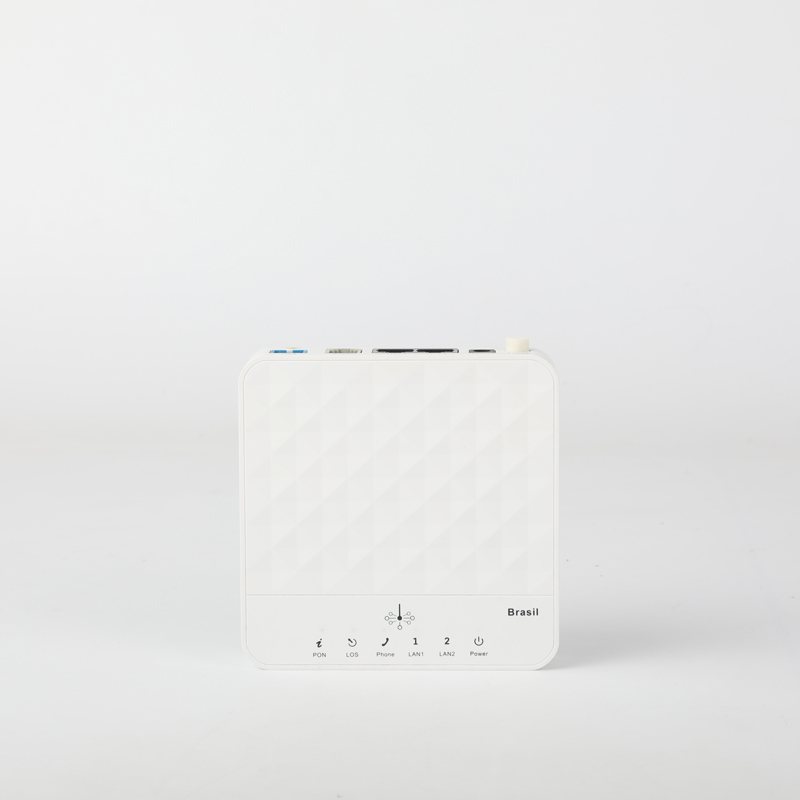
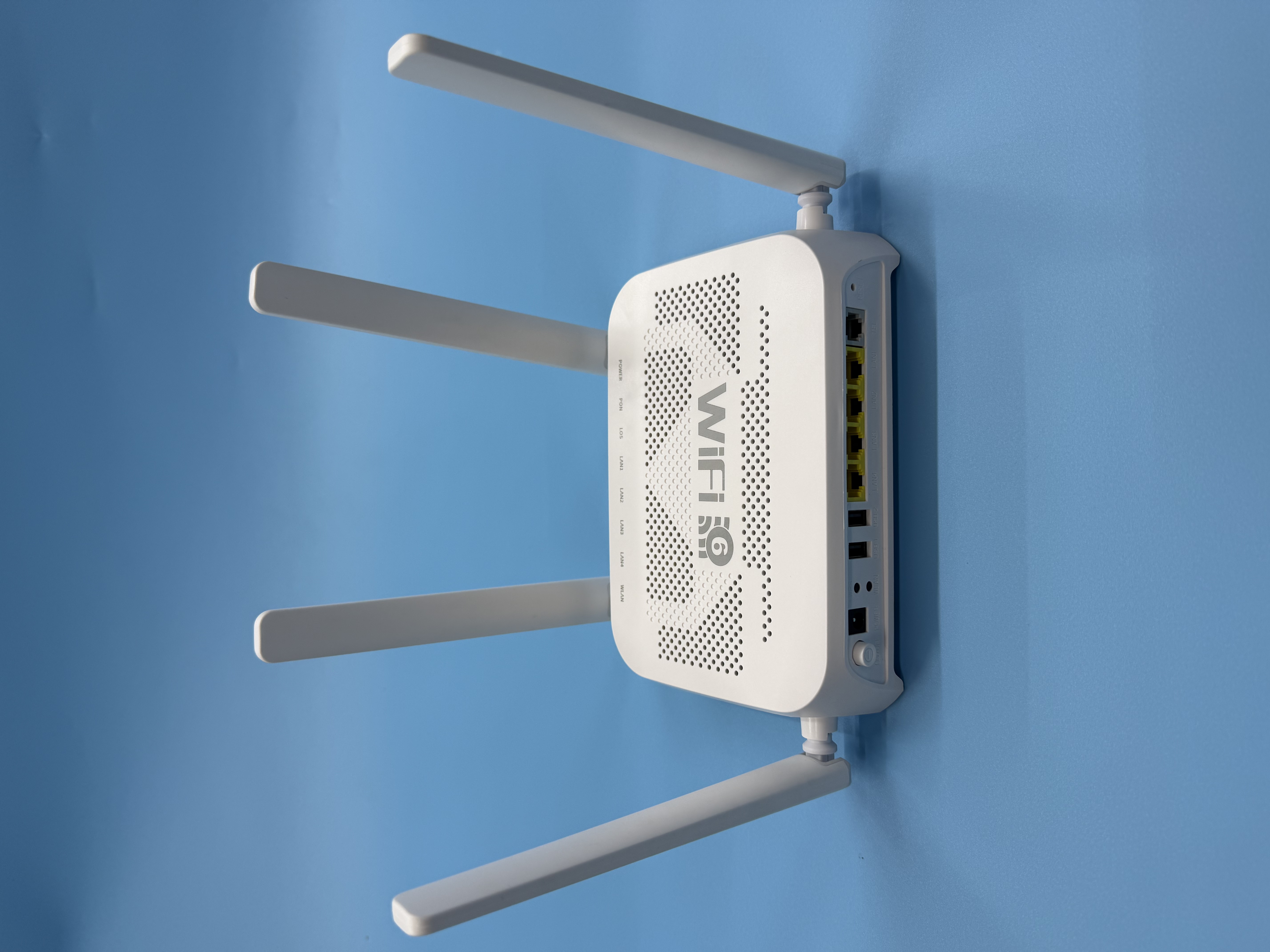
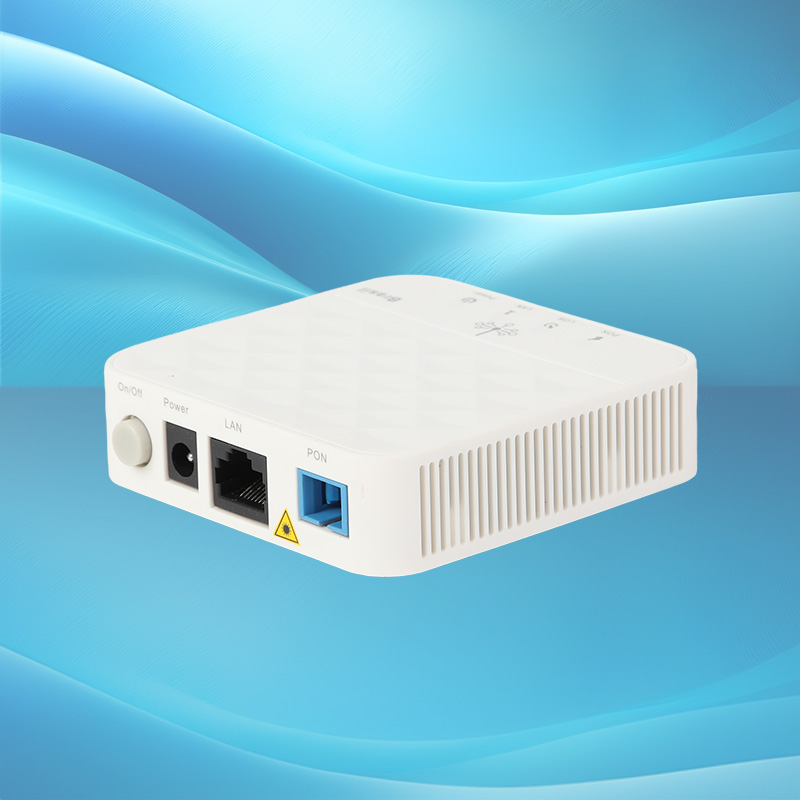
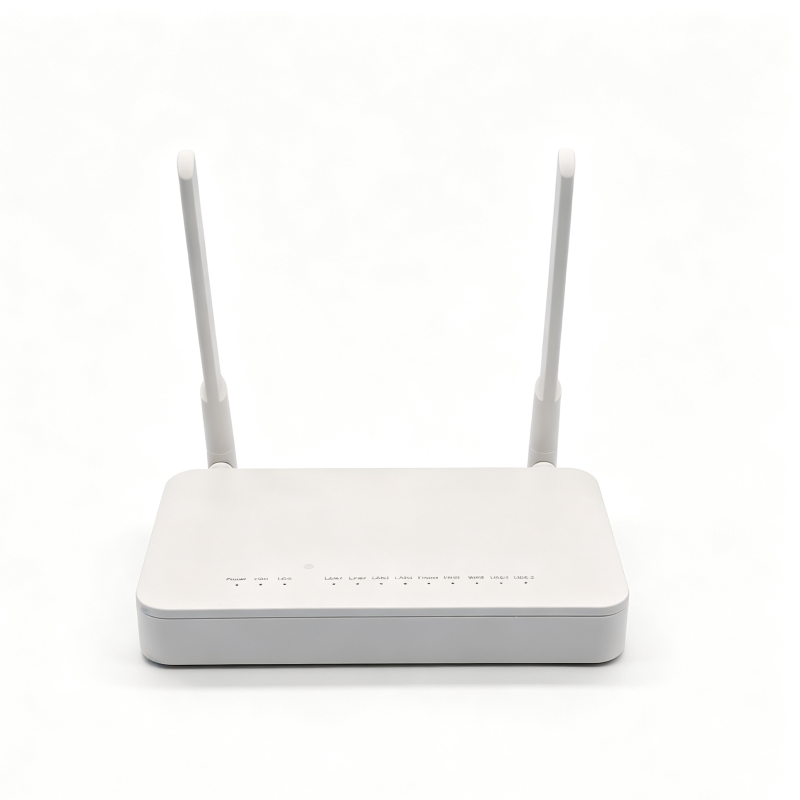
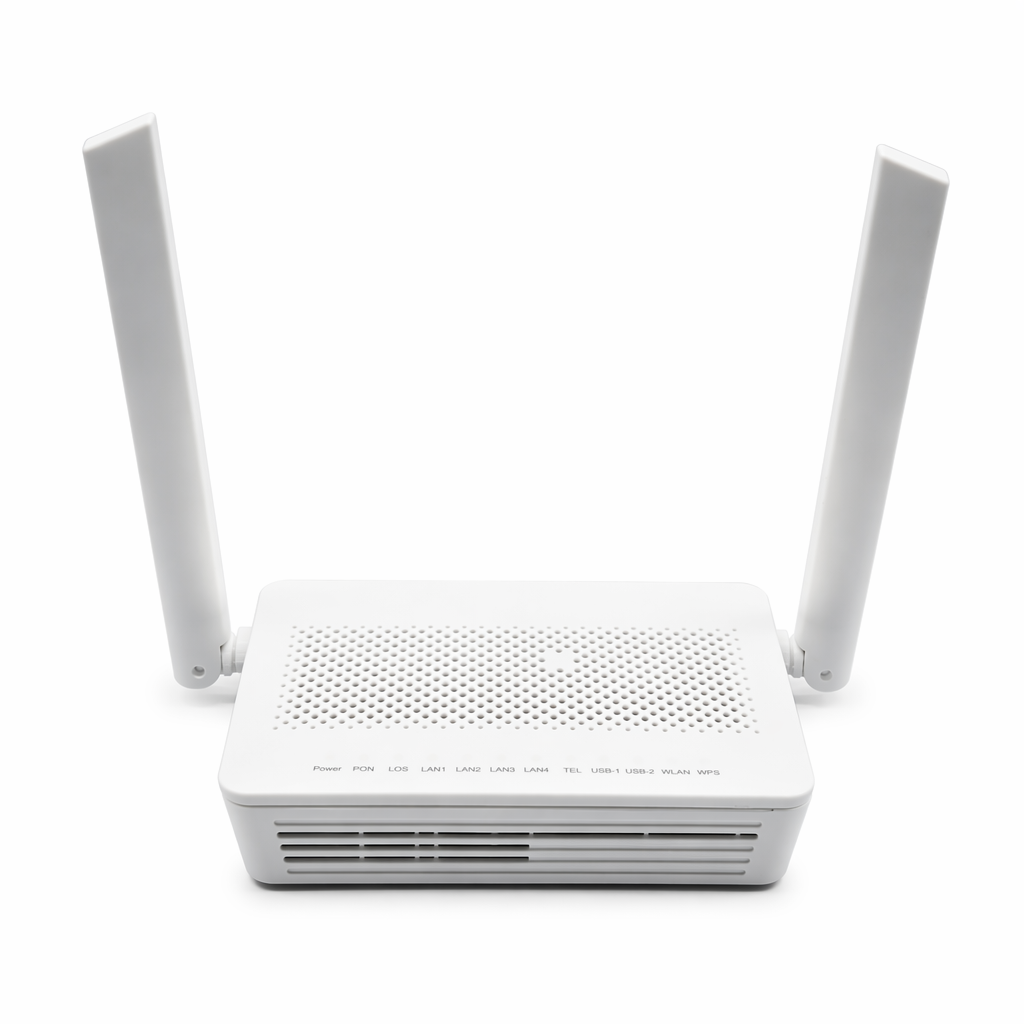
In most instances, using the LED lights is the fastest way to learn what is going on. While the symbols vary among manufacturers, most ONUs have PWR, PON, LOS, LAN, and sometimes Wi-Fi lights.
| LED Indicator | Typical Status | What It Usually Means |
|---|---|---|
| PWR | Off | No power supply, faulty adapter, loose DC cable, or damaged ONU. |
| LOS | Red or blinking red | The ONU is not receiving a valid optical signal from the OLT. |
| PON | Blinking | The ONU is trying to register with the OLT or waiting for authorization. |
| PON | Solid green | The ONU is registered successfully and connected to the PON network. |
| LAN | Off | No active Ethernet connection to the router, switch, PC, or customer device. |
A constant PON light is normally a good sign. When there is no LOS light present, a steady PON light means that the fiber connection between the OLT and the ONU is working. If users still cannot get internet access, the problem is likely elsewhere, in VLAN settings, PPPoE credentials, router configuration, DHCP, or service provisioning.
What Does LOS Mean on an ONU?
LOS in the technology context refers to the loss of signal. The meaning of alarm that shows red or blinking red in the ONU is that it doesn't get enough downstream optical signal from OLT. The fiber connection can be broken, cut off, not strong enough, or damaged.
A frequent instance of trouble in FTTH has to do with a situation when you get an LOS alarm. However, an LOS alarm ought not to imply that the ONU has stopped functioning. You should verify if the optical cables and terminals have been thoroughly checked before switching the equipment used. An LOS alarm can be caused by, for example, a bent patch cable, a dirty SC/APC connector, a broken drop cable or an unplugged splitter.
How to Fix an ONU LOS Alarm
If the LOS light is lit up in red, then the first point of fault finding should be at the ONU and one should work their way back to the network. This causes fewer trivial issues to arise before testing the fiber network completely.
- Check that the ONU is powered on and has fully booted.
- Make sure the fiber patch cord is firmly inserted into the ONU optical port.
- Inspect the cable for sharp bends, crushing, stretching, or visible damage.
- Confirm that the SC/APC connector is clean and properly seated.
- Reconnect the fiber connector once, carefully, without touching the ferrule end.
- Check the splitter, fiber distribution box, and upstream drop cable if you have access.
- Measure optical power if the LOS light remains on.
It is easy to miss fiber bends. However, if a fiber optic cable is sharply bent (for example, behind a desk or a cupboard or along a wall), significant signal loss may occur and problems with the ONUs’ signals may arise. In general, it is advisable to avoid sharp bends and keep the fiber cable loose.
Another concern might be the contaminated connectors. They may cause signal loss even at small levels. Use the appropriate cleaning supplies such as cleaning pencil specifically designed for fiber optic, lint-free wipes, etc. Avoid using paper towels, hands or compressed air that comes from unreliable sources.
Check Optical Power Levels Before Replacing the ONU
In case physical inspection does not solve the problem, optical power testing comes next. An optical power meter shows which signals have reached the ONU.
The majority of GPON ONU equipment operates within an assigned range determined by the OLT optics and the ONU type. Downstream receiving level usually falls between -8 dBm and -27 dBm, although the exact range may vary according to the type of equipment and its optical budget.
If the optical signal of the ONU is less than the minimum sensitivity level, it can either show loss of signal, persist in connecting and reconnecting, or be offline for a while. Low optical power can be caused by an excessive splitter loss, long distance through a fiber optic cable, bad splicing, broken fiber cable, dirty connectors, or malfunctioning OLT module.
In situations where the optical power is satisfactory yet there seems to be no service, verify the parameters in terms of the wavelength, PON specifications, type of connector, and ONU capabilities. If, for instance, to connect GPON ONU to EPON OLT is not possible, one may also need to pre-configure specific ports on XGS-PON ONU.
Why Is the ONU PON Light Blinking?
A blinking ONU PON light usually signifies that the ONU has detected an optical signal and is attempting to register with the OLT. This is in stark contrast to a red LOS alarm condition. Here, in this instance, the fiber link may be operational, yet the ONU hasn’t been able to go through authentication or service registration.
There are numerous causes of this issue, including, for example, improper serial number, LOID and password as well as ONU MAC number which have been set up incorrectly in OLT. Additionally, it should be noted that ONU may be installed in the wrong PON port, allocated a wrong profile, shut down via rules or not match the OLT type and firmware version.
In resolving any problems pertaining to a GPON connection, the network specialist has to ensure that the ONU has been properly enrolled in the OLT. Verification of many parameters including the ONU serial number, PON port, line profile, service profile, VLAN configuration, GEM port mapping and the management VLAN settings is essential.
How to Troubleshoot an ONU That Is Offline but Has No LOS Alarm
In the event that an ONU is offline, it does not imply that the optical signal is lost. If an ONT is in the state of light loss (LOS), but the power-on (PON) light is on, it indicates that the ONU is registered and functioning correctly but cannot provide internet access.
The initial step is to check the status of the LAN port, and if possible, connect a laptop directly to the ONU or use a similar working Ethernet cable to check the status of the LAN. If the LAN light is not lit, check other Ethernet ports or cables to see if they are still working. If you have established the LAN link but still don’t have an internet connection, you can try to log into the ONU management portal or check the OLT settings for the right configurations.
Common service-side issues consist of improper VLAN tagging, incomplete PPPoE authentication, inactive WAN connection, wrong bridge or router mode DHCP failure, MAC address binding problems and service account deactivation. For corporate services, make sure that static IP configuration, gateway setting, and DNS values are correct.
Common ONU and PON Problems at a Glance
| Symptom | Likely Cause | Recommended Check |
|---|---|---|
| LOS red or blinking | Fiber disconnected, damaged, dirty, or signal too weak | Inspect and clean connectors; test optical power; check drop fiber and splitter path. |
| PON blinking, LOS off | ONU is not authorized or cannot complete registration | Verify ONU SN/LOID/password, compatibility, OLT provisioning, and PON port assignment. |
| PON solid, no internet | Service or router configuration issue | Check VLAN, WAN mode, PPPoE, DHCP, IP settings, and subscriber account status. |
| Internet drops randomly | Marginal optical power, unstable connector, damaged cable, or overheating | Monitor Rx power, inspect fiber routing, clean connectors, and confirm stable power supply. |
| ONU will not power on | Bad power adapter, damaged outlet, or faulty device | Test with a matching approved power adapter and check the power source. |
When Should You Replace the ONU?
The replacement of the ONU should happen as one of the last steps and not as the first. It should only be considered after the ONU has been tested using a known working power adapter and a fiber patch cord and is able to receive the nominal input optical signal while the OLT configuration can be confirmed but it is still unable to register or function correctly.
Furthermore, in case the optical port breaks, the ONU reboots often, the device is overheating, the Ethernet ports do not work, or the software of the ONU does not match the requirements, you will need a brand new unit.
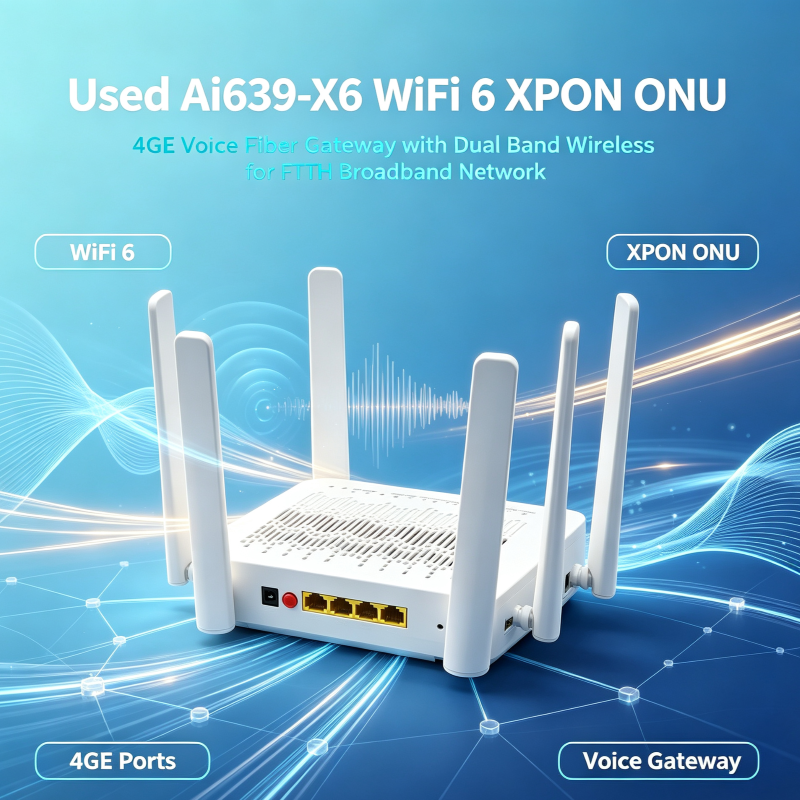
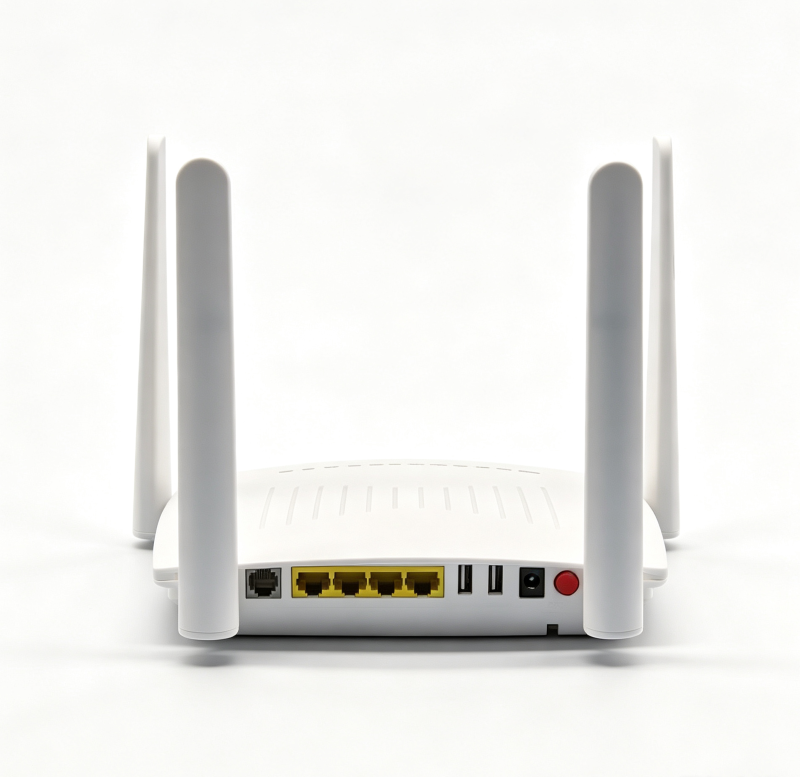
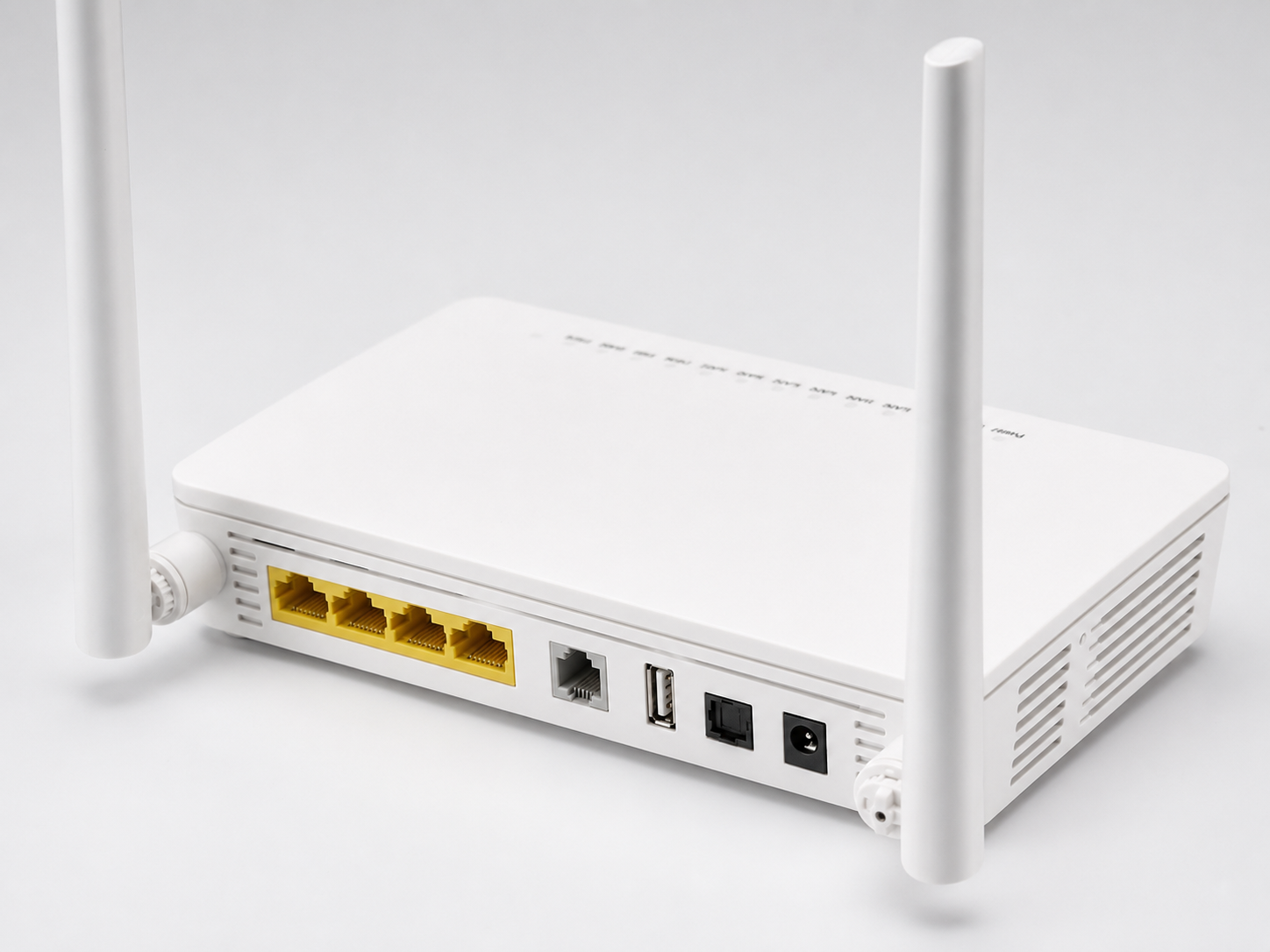
When you set up a new ONU, you need to pay attention to which OLT you have, what PON you have, and what ports (GE, 2.5GE, VoIP, CATV, etc.) the specific models support.
If you need to place a large order, before you do, it is critical to check if ONU is compatible with the OLT, and a small test can prevent any problems after the order has been made.
FAQ
What does LOS mean on an ONU?
The term LOS is the abbreviation for Loss of Signal. It means that the ONU is not getting enough optical signal from the OLT. Always check fiber connectors, patch cords, drop cables, splitter paths, and optical levels before concluding that there is a fault with the ONU.
Can I fix a blinking PON light by restarting the ONU?
Should the ONU fail to boot up properly, rebooting may solve the issue, but this does not resolve an authorization or provisioning error. If after rebooting, the PON light is still flashing while the LO light is off, then and only then should the OLT configuration, ONU serial number, LOID, password or compatibility be examined further.
The first step towards troubleshooting ONUs is checking the LED lights and the optical fiber lines, followed by measuring the light power and finally checking the OLT side services. For instance, a red LOS indicator denotes the problem with the signaling cord, and a blinking PON indicator confirms that either registration or authorization has failed. Thus, such approach will enable solving 95% of ONU or FTTH problems quickly without changing the devices and making the optical network reliable and stable.