




How ONU QoS Configuration Guarantees Stable IPTV & VoIP Services in FTTH
Introduction: Why ONU QoS Matters for Your IPTV & VoIP Experience
Fiber-to-the-Home (FTTH) technology has transformed our internet experience into one with amazing speeds, not just while streaming IPTV but while making high-quality VoIP calls too. However, in order to enjoy uninterrupted service, you need to ensure that your network functions properly. If you have ever had an incident during which a phone conversation stopped abruptly or a show froze on your screen, then you already know that troubles may arise in case your network is not optimized. This is where ONU QoS comes into play. Quality of Service (QoS) in your Optical Network Unit (ONU) is like a set of methods that provide users with a chance to prioritize what really matters – your VoIP and IPTV solutions, allowing for stable operation even if all family members are online at the same time. Let’s discuss ONU traffic prioritization, contemporary GPON ONU settings, and smart bandwidth management.
Getting the Basics: What Is ONU QoS & Why Should You Care?
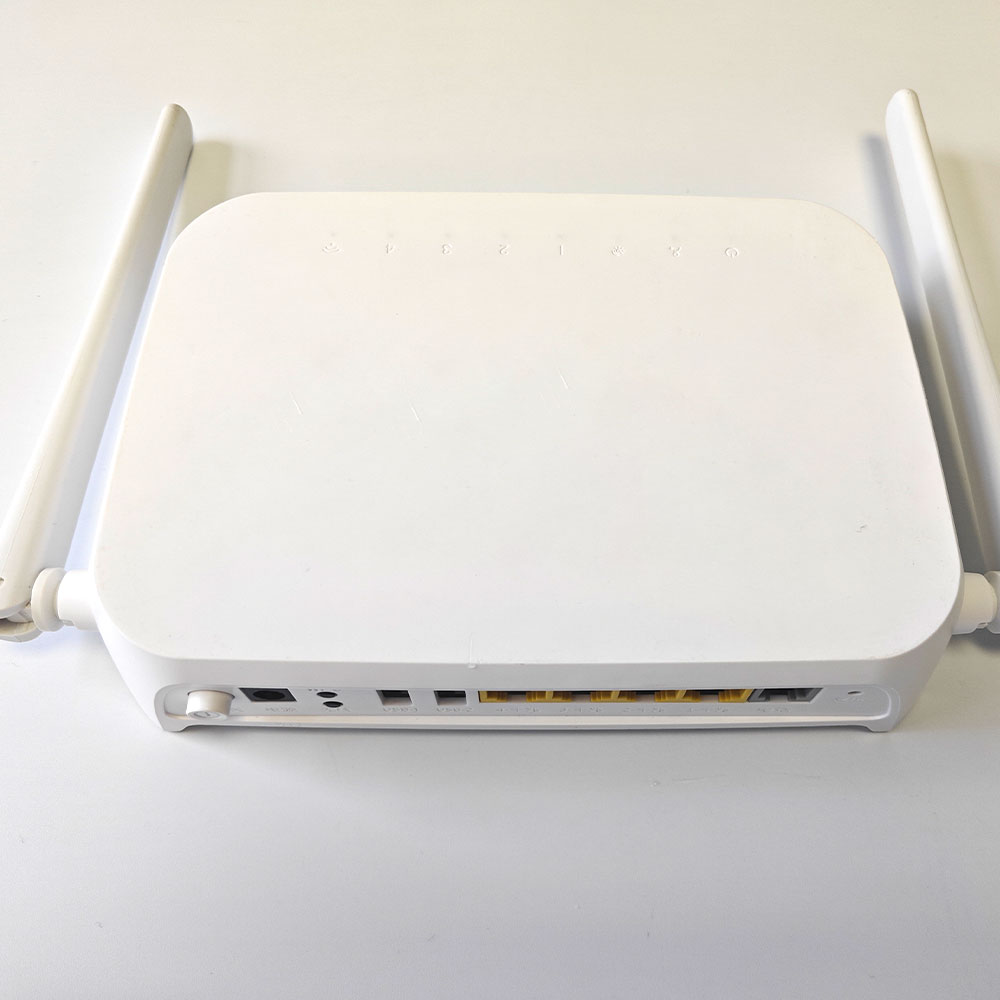
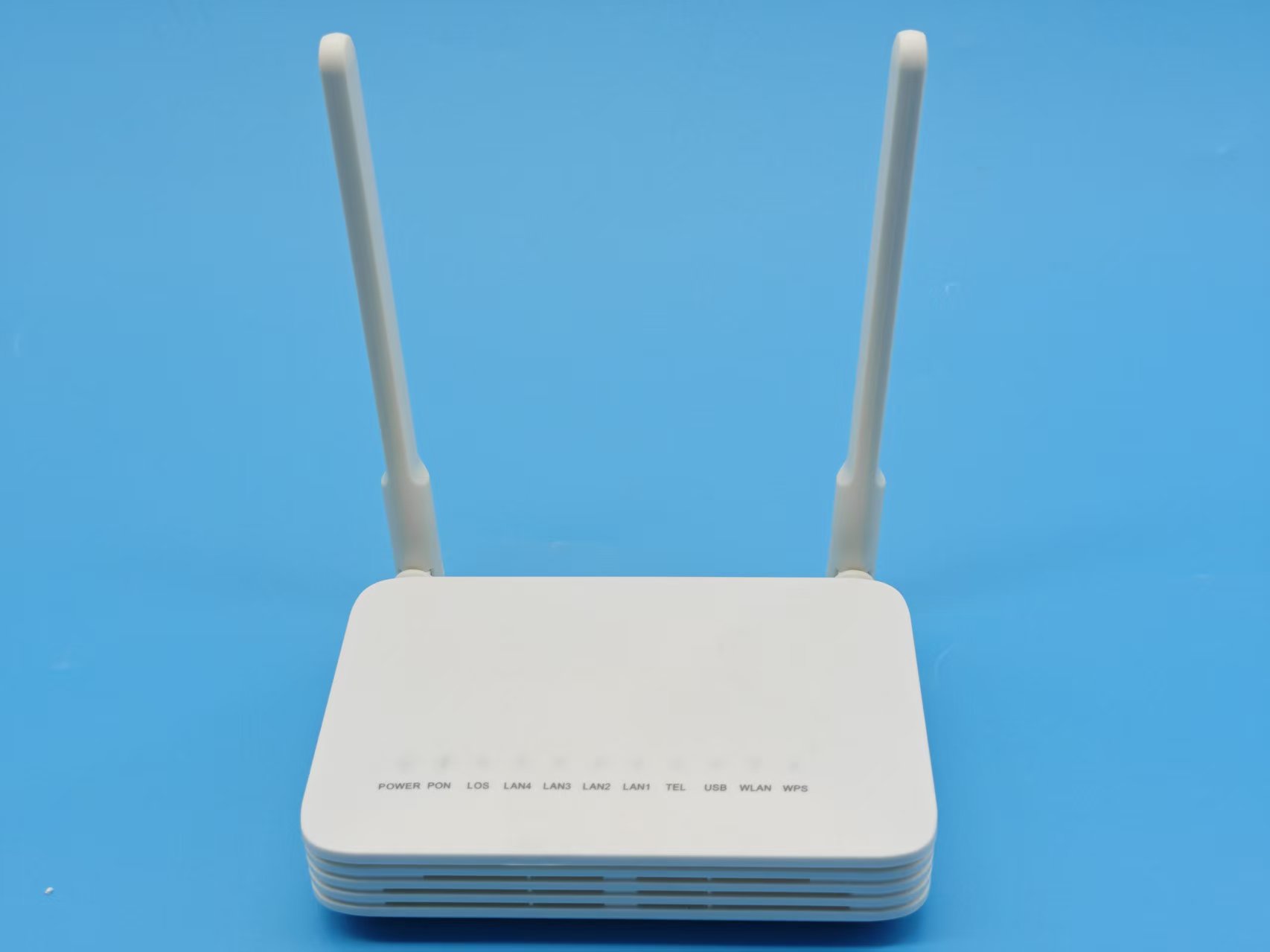
Good internet usage does not need the input of a network engineer. The ONU QoS functionality helps in determining which pieces of data will travel through the fibre connection first. In FTTH, ONU acts as a barrier to connecting home devices to the internet, since all the activities including gaming, browsing, streaming, and working take place on a single line.
When a network does not give priority to different types of traffic, heavy downloads or numerous devices will congest the network and VoIP calls will suffer from delays while IPTV streaming becomes pixelated. To address this problem, FTTH service providers utilize the GPON ONU QoS technology which ensures the smooth operation of IPTV and VoIP services. While being able to control the flow of data within its network, the ONU prevents video interruptions and facilitates clear phone calls.
Why Prioritizing IPTV & VoIP Traffic on ONU Makes All the Difference
IPTV along with VoIP despise delays. To provide a seamless experience, IPTV requires a constant flow of data and VoIP needs quick response times to achieve a natural conversation. In case of congestion, you might experience multiple issues, such as freezing frames, annoying delay, and robotic-sounding voices. Hence, optimizing ONU traffic is the best option.
Think of the activities you do on the internet as cars coming onto the freeway. Without any traffic laws in place, things can get complicated. Quality of Service acts like a traffic officer, allowing IPTV and VoIP to go ahead, while things like large downloads or surfing the web are pushed back until it can be dealt with. Thus, when you give priority to IPTV traffic on ONU and tweak VoIP settings (minimizing packet loss), you're adjusting things accordingly to what you actually need on the FTTH level.
How to: Configuring QoS on GPON ONU for Maximum Stability
Do you wish to learn how to make a GPON ONU configuration more effective? Here’s a practical guide that offers ease of use:
1. Class-Based Prioritization: Categorize distinct varieties of network traffic (for example, IPTV, VoIP, and normal data) into different “classes.” Afterwards, instruct your ONU to prioritize streaming video and audio traffic like that of VIPs.
2. Bandwidth Reservation: IPTV and VoIP ought to have defined bandwidth set aside, allowing their packets to pass through without delay.
3. Queue Scheduling: Priority queues can be used to make real-time traffic take precedence. With the help of various algorithms like Weighted Round Robin (WRR) or Strict Priority (SP) this can be accomplished.
4. VLAN Tagging: Put IPTV and VoIP in their own traffic lanes (VLANs), enabling separate QoS rules for each type.
To set these parameters up, you can access your ONU through its web application or command-line interface. As every brand may have a different connection, consult the user guide of your ONU for detailed instructions. When dealing with FTTH installation, it’s essential to always run practical tests, such as watching a TV channel, making a call with a phone, or tweaking settings until you don’t notice any freezing time or lag.
Common Problems: What Happens If You Skip ONU QoS?
Unfortunately, skipping proper QoS can lead to headaches:
IPTV Freezing: In periods of congestion, IPTV packets that have not been given priority will either be delayed or dropped. This leads to blurry pictures and/or frozen images on the screens. The situation is made worse when someone is playing games or downloading large files.
VoIP Call Lag: Echoes, dropped calls, or distorted voices are signs of neglecting voice data traffic. Packet loss and jitter are being responsible for this issue.
General Network Slowdown: Without appropriate management for bandwidth use, it can feel as though the internet connection is slow for everyone, and even something simple like browsing the web takes forever.
Typically, addressing these issues requires fine-tuning your ONU bandwidth management settings. In addition, be sure to get real-time traffic safeguarded and run any non-important tasks in the background.
Smart FTTH Optimization: Advanced ONU QoS Strategies
For those who want premium service, here’s how FTTH providers take ONU QoS to the next level:
Dynamic Bandwidth Allocation (DBA): Your ONU is capable of dynamically adjusting the bandwidth allocation for various services, ensuring that IPTV and VoIP get prioritized during peak hours.
Service-Level Agreements (SLA): Providers establish a baseline speed guarantee for key services in order to keep their clientele satisfied during times of network congestion.
Remote Management: If there are any issues, the operators can get help from applications or cloud services in order to watch QoS performance and if needed change settings.
Traffic Shaping: Traffic which move slowly (such as cloud backups or huge downlodes) is restricted so that tvs and telephones work perfectly.
The ability to achieve the correct QoS means fewer support requests and the word of mouth becomes far better. Qualified FTTH installers incorporate good QoS in every installation!
ONU Bandwidth Control: Keeping Things Fair & Balanced
ONU bandwidth control makes sure everyone gets equal access to the networking facilities. Services operating in real-time, such as IPTV (Internet Protocol Television) and VoIP (Voice over Internet Protocol), provide a min fps speed guarantee. Major workload processes, such as transferring files, can be completed at the same time and simultaneously make use of any available bandwidth without affecting other services.
Most ONUs come with both fixed and dynamic allocation capabilities. Their best set-ups will incorporate real-time monitoring to identify problems and make adjustments. Keeping up with firmware updates is also essential, as this is where new traffic management features will be rolled out.
FAQ: Answers to Your Most Common ONU QoS Questions
What is ONU QoS function?ONU QoS is a tool that is located in the optical network unit found inside your home. This tool is responsible for managing the network traffic received by the house. Basically, ONU QoS is what makes things like your IPTV and VoIP operate like clockwork—your Netflix will play without problems and your calls won’t break up!
How do you configure QoS on GPON ONU?Many GPON ONUs come with a web interface for login and configuration of data priorities. Prioritization ought to be given to IPTV and VoIP, so ensure that you reserve bandwidth for them and schedule their activities. Make sure to follow your device’s manual for precise steps and conduct practical tests after completion of the configuration.
Why does IPTV freeze if you don’t set up QoS properly?In the absence of QoS, IPTV packets contend with all traffic for bandwidth; therefore, a large download or gaming activity, etc., can cause the video to be delayed or lost, bringing those annoying frozen images. With QoS working well, all IPTV traffic gets through.
Can ONU QoS cut down on VoIP call lag?Indeed! With QoS, your voice packets are given priority, ensuring timely and clear delivery of your calls—free of delays and clear talk.
Is QoS configuration a set-and-forget thing?No! Your QoS settings will need to be adjusted as your internet usage changes, such as adding devices, using new streaming apps, or increasing your speed. Good providers and installers will regularly check and update settings.
Correctly optimizing QoS can convert an "okay" line into an excellent one. If you are currently facing issues such as frozen videos or irritating call experience, you should check your ONU configurations!
Looking Ahead: AI-Driven QoS & Evolving FTTH Networks
FTTH technology is advancing quickly. New ONUs are making use of AI in order to offer instant traffic analysis. By doing this, ONUs are able to solve issues before you even realize there is a problem. Also, technologies such as XGS-PON and 10G PON continue to increase the speed, making QoS even more relevant since the IPTV and VoIP will be able to manage 4K video and HD voice perfectly.
Home networks are becoming increasingly sophisticated—take smart TVs, voice control, and multiperson usage for instance. The adaptability of QoS will soon be essential in order to survive in the market. Better instruments, more automatic updates and tighter integration into cloud solutions can be expected.
Tips & Best Practices for FTTH Providers, Installers, and Home Users
Here’s what works:
1. Know your customer: Learn how your subscribers utilize their network. Is there are certain type of usage that caters to “binge-watchers,” telecommuters, or gamers? Customize your QoS (quality of service) according to their needs.
2. Test after setup: Do not just set everything up and leave. Conduct your evaluations! Stream shows, monitor the call quality, and fine-tune until the performance is satisfactory.
3. Teach your users: Some straightforward advice can assist families in maximizing the benefits of their connections. Teach them how the utilization of different devices can influence IPTV and VoIP. When necessary, suggest routers with QoS capabilities.
4. Update often: Stay up to date with new firmware and software updates as they tend to include improvements on the use of available bandwidth, QoS, and security features.
If you follow these steps, your customers will be satisfied and your network will perform flawlessly - which makes your services superior in the competitive environment.
Customer Satisfaction: The Real Payoff for Optimized ONU QoS
Adjusting QoS settings for optimum performance delivers what matters most to the customers: quality streaming where everything works fine with the calls and there is nothing to complain about. When IPTV and VoIP functions properly, customers are happy and complaints disappear, and the service provider offers them other types of service. Educating the customers about QoS builds their loyalty.
Effective remote monitoring, simple troubleshooting, and regular follow-ups are the last pieces of the puzzle in ensuring a successful FTTH network experience for users consistently.
All said and done, configuring your ONU QoS correctly is the magic ingredient for perfect IPTV and VoIP in FTTH systems. Traffic prioritization, efficient bandwidth management, and updates will turn an average connection into a great one. Keep doing proactive work, talk to your customers, and strive for perfect user experience.