





1-port / 4-port / 8-port ONU Selection Guide for ISP Projects
What Is an ONU?
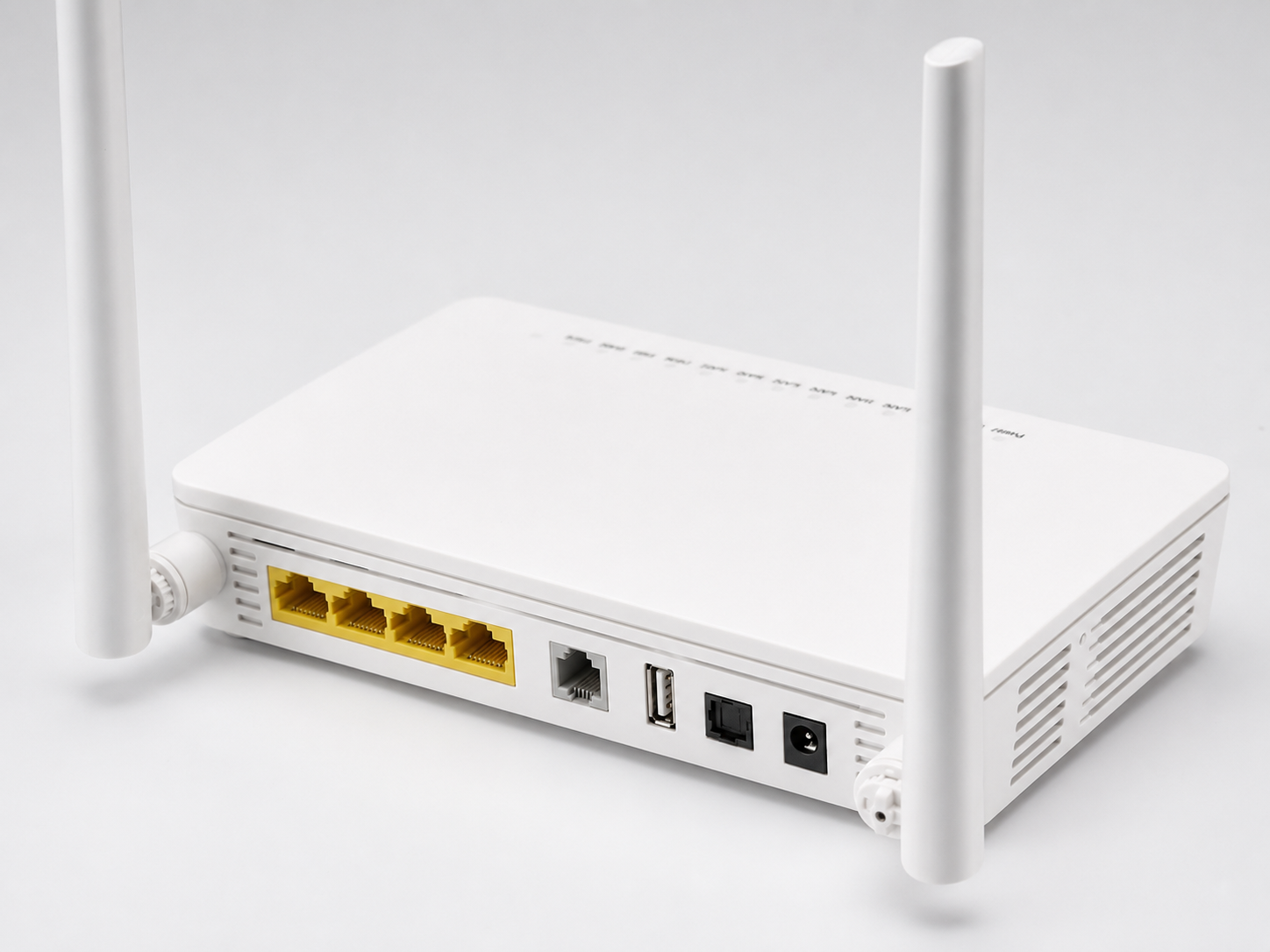
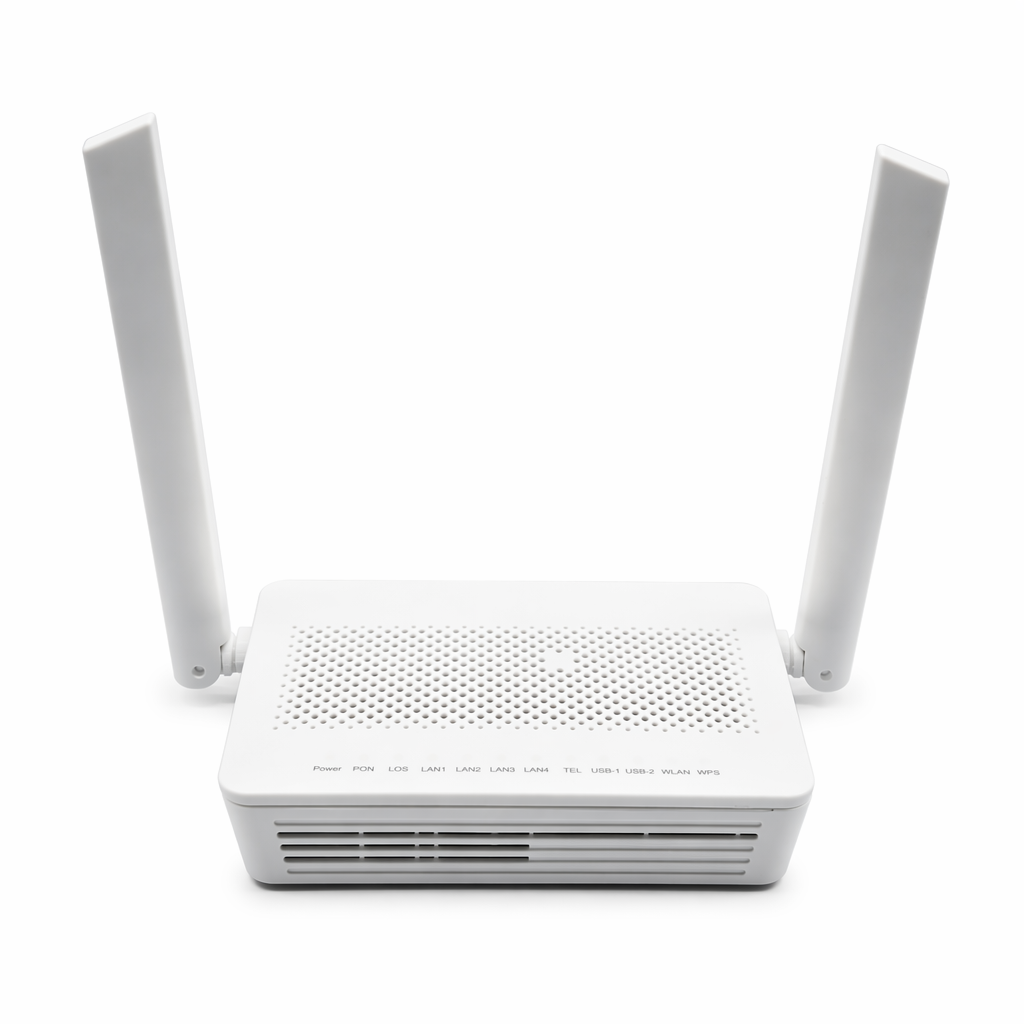
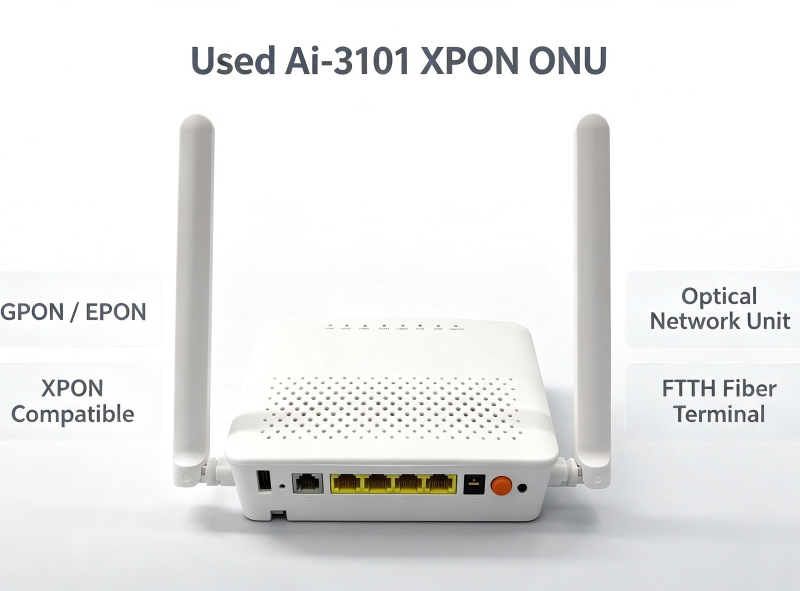
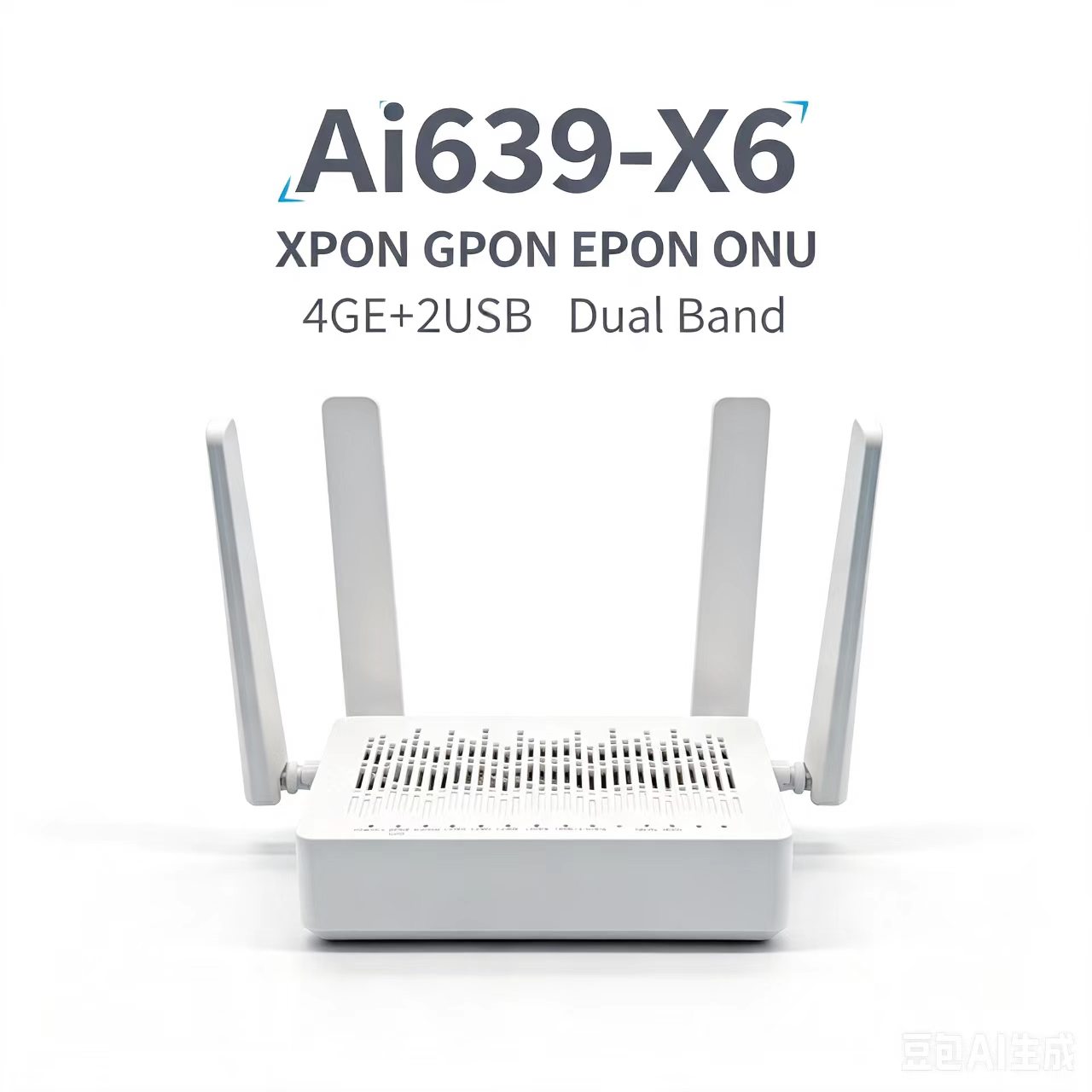
An optical network unit or ONU makes up a part of the fiber access network device at the customer end. It is responsible for receiving optical signals sent from the OLT through passive optical networking and converting these signals to electrical services like voice, Ethernet data, IPTV, or possibly any supervised access service.
In most fiber-to-the-home or fiber-to-the-building installations, the OLT is located at the ISP's central office or data center. The optical signal from the OLT uses passive fiber splitters to reach multiple users, while an ONU is located at each individual customer site or service outlet.
Depending on the model, an ONU may provide:
- One or more Ethernet ports for Internet access
- POTS ports for voice services
- Wi-Fi connectivity
- CATV or RF video interfaces
- VLAN and QoS functions
- Bridge, router, or hybrid operating modes
- Remote management through OMCI, TR-069, or a vendor-specific platform
Choosing the right device is not solely dependent on the number of Ethernet ports. Other factors that should be taken into consideration include the optical technology, how much bandwidth is to be assigned to the subscribers, the management system, and the environment for installation.
1-port, 4-port, and 8-port ONU: What Is the Difference?
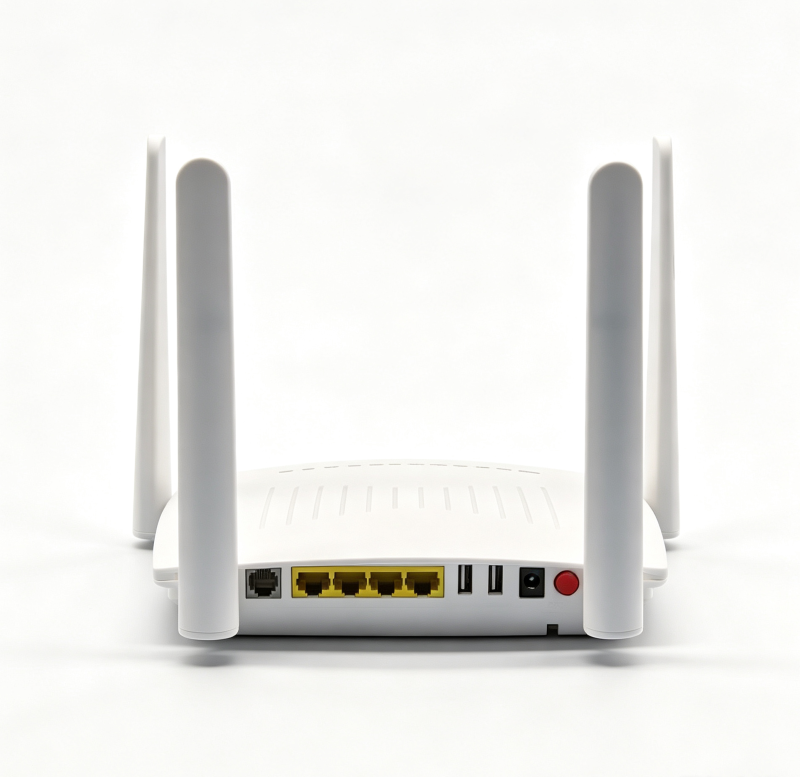
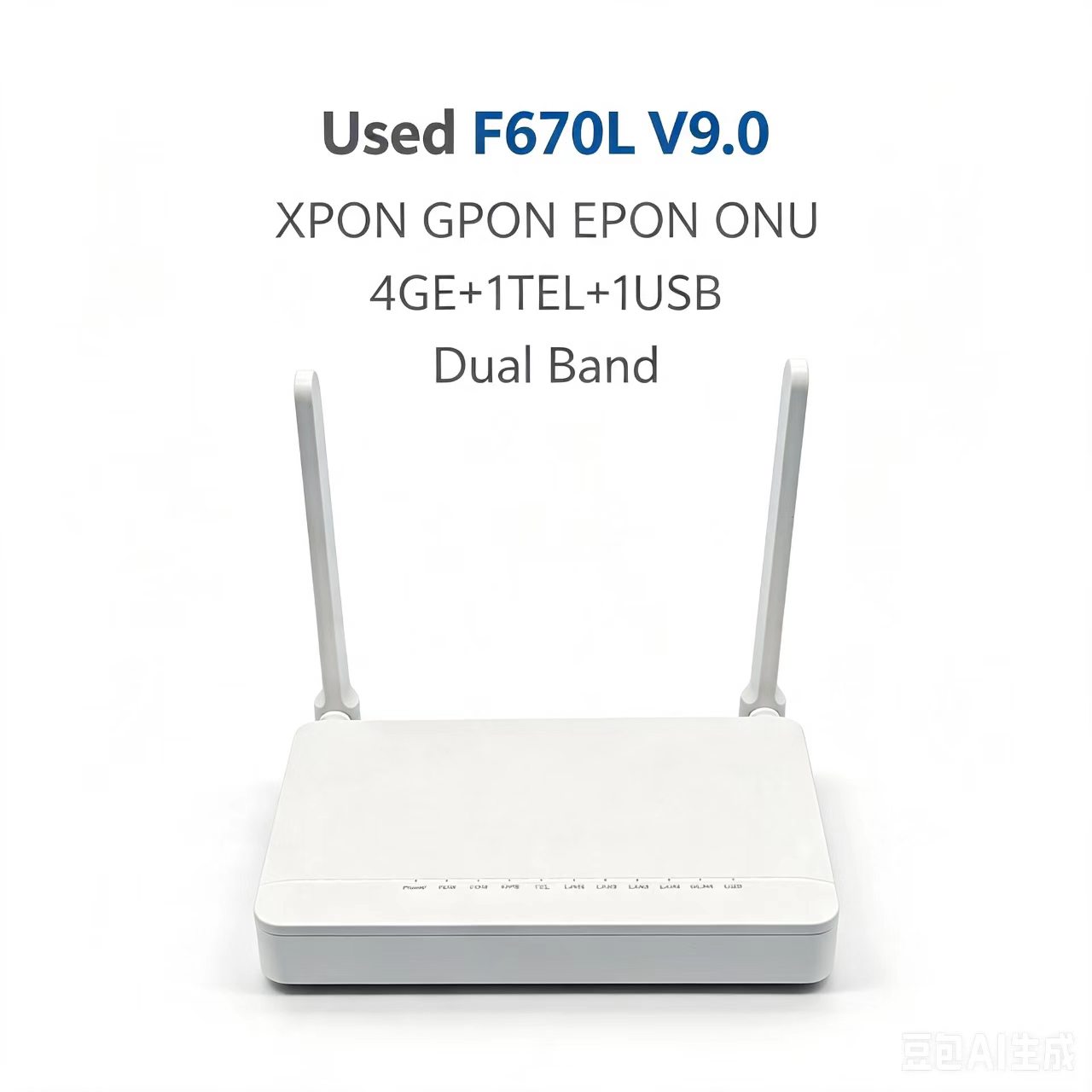
The key distinction lies in the quantity of ethernet ports on the customer’s side. These ports enable clients to link such devices as routers, computers, access points, switches, cameras, set-top boxes, and other network devices.
| ONU Type | Typical Ports | Best-Fit Deployment | Main Advantage | Potential Limitation |
|---|---|---|---|---|
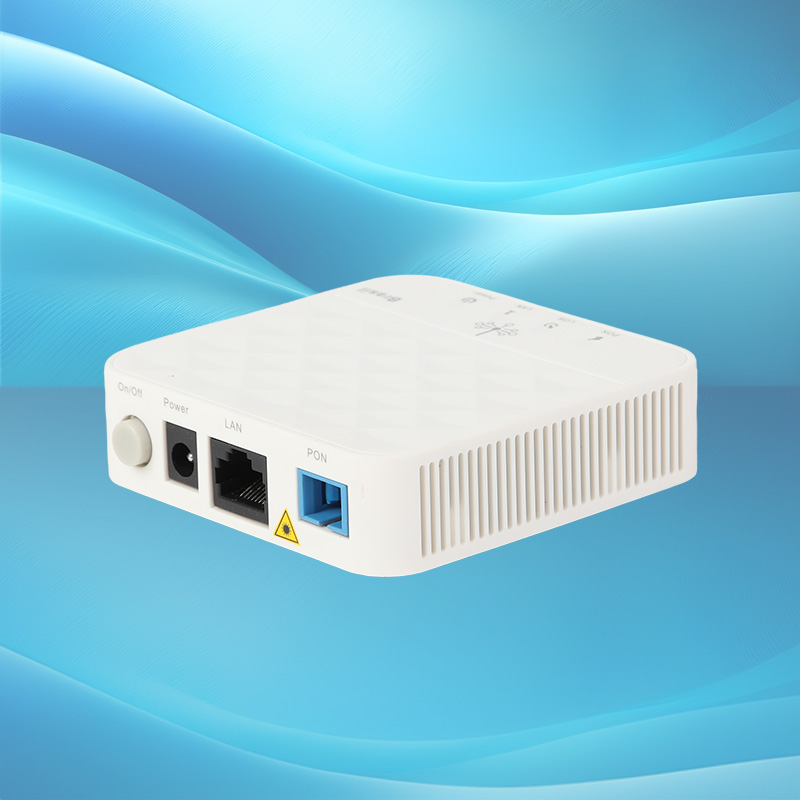
| 1-port ONU | 1 Ethernet port, sometimes with voice or Wi-Fi | Basic FTTH, single-router homes, small business access | Low cost and simple installation | Limited local connectivity without an external switch |
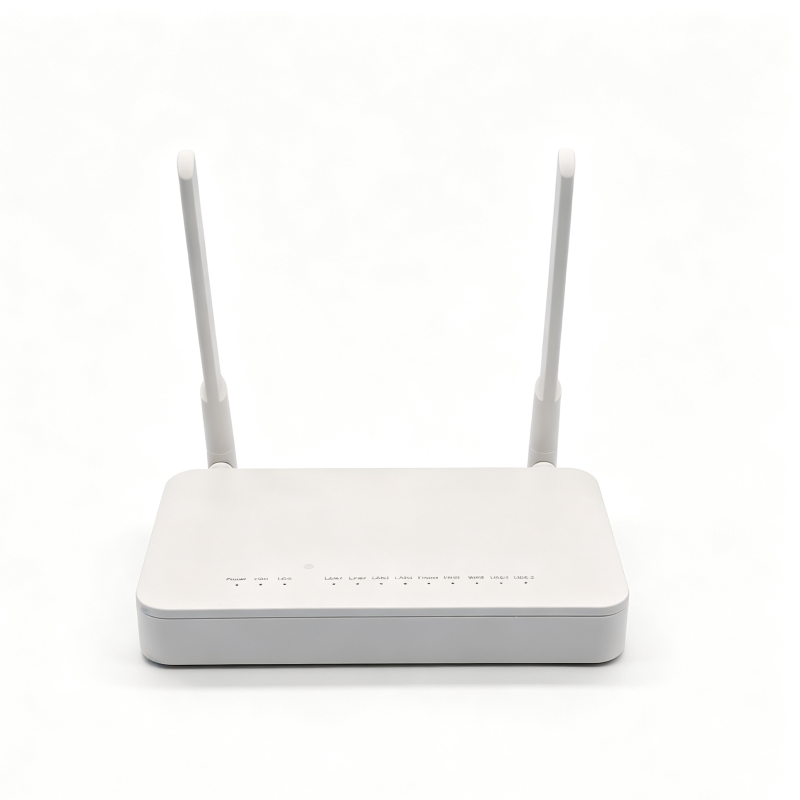
| 4-port ONU | 4 Ethernet ports, often with Wi-Fi or voice options | Family homes, small offices, retail stores, and SOHO users | Good balance between price and connectivity | Higher cost and power consumption than a single-port model |
| 8-port ONU | 8 Ethernet ports, often used as an aggregation or business device | MDUs, offices, hotels, classrooms, security systems, and small networks | Connects multiple wired devices directly | May be unnecessary for ordinary residential subscribers |
Typically in ISP projects, a 1-port model is selected for simple home connectivity and a 4-port model is used in situations where several wired devices are expected while an 8-port model is used in multi-user or multi-device scenarios. However, the correct decision should be taken on the basis of actual requirements regarding traffic and ports, not on the basis of the number of ports only.
When Should You Choose a 1-port ONU?
When a subscriber requires a simple fiber connection to a router or a gateway, a 1-port ONU can be utilized. In standard FTTH setups, the subscriber will have its own Wi-Fi router that operates the local network.
A 1-port ONU is usually a good fit for:
- Basic residential broadband plans
- Single-family homes with an existing customer router
- Temporary or low-cost connectivity projects
- Small shops with one main router
- Bridge-mode deployments where the ISP provides a separate gateway
- Projects focused on minimizing equipment and installation costs
The main advantage is operational ease. There are fewer interfaces to set up, fewer points of failure, and generally lower initial costs. A one-port ONU may also be simpler to inventory and change out in larger residential installations.
Prior to opting for this solution, you should determine whether the subscriber requires IPTV services, voice services, or whether some wired devices and/or some form of local access are needed. Should the subscriber require an unmanaged switch installed later on, he/she may end up paying more than originally envisioned owing to the need for professional installation in some cases.
When Should You Choose a 4-port ONU?
A 4-port ONU is widely considered the most flexible option available for use in residential setups and small scale business installations. It enables the connection of sufficient local devices, including routers, IPTV set-top boxes, computers, security cameras, and smart home systems, without the need for any Ethernet switches.
Typical applications include:
- Medium and large residential properties
- Small offices and home offices
- Retail stores and restaurants
- Small clinics, classrooms, and branch offices
- Subscribers using IPTV and broadband services together
- Installations requiring several wired access points or cameras
With a 4-port ONU, ISPs can facilitate customer site equipment maintenance since the standard device can accommodate a wider range of subscriber cases. It is also beneficial in situations where the ISP offers a bundle of services, including Internet, voice, and television.
It is a mistake to think of all ports as being the same. Some of them are configured depending on whether they are for IPTV or voice VLANs, while in some cases, all the ports provide full configuration. Check the port mappings, how the VLANs work, how multicast is handled, and Bandwidth Profile Configuration before deploying ports.
When Should You Choose an 8-port ONU?
An 8-port ONU is intended for areas that have a greater concentration of wired devices or many users sharing one optical termination. It can be branded as a high-port-count ONU, a business ONU, or a fiber access gateway depending on the producer.
Common deployment environments include:
- Small multi-dwelling units and apartment buildings
- Hotels, hostels, and guesthouse floors
- Small and medium-sized offices
- Schools, training centers, and public facilities
- Retail premises with point-of-sale and surveillance systems
- Security camera and access-control networks
- Fiber-to-the-room or fiber-to-the-office projects
An 8-port ONU eliminates the necessity of an access switch at the place of the subscriber. This may lead to space convenience in the rack or cabinet and help to make cabling faster. It may also be a good thing to do when the ISP or network operator is in charge of the whole local access layer.
For home users, though, an 8-port device is not necessarily better. If a user needs only one router connection, the addition of extra ports incurs unnecessary costs with no real service. Larger devices also consume more power, require more configuration, and may need more technical support.
Key Factors for Selecting an ONU for an ISP Project
1. Match the PON technology
When working with ONU devices, you have to ensure that the ONU is able to communicate properly with the OLT equipment, while being consistent with the passive optical network protocols. Some of the well-known types of technologies are EPON, GPON, XG-PON, XGS-PON, and combo PON solutions.
GPON is still largely used in residential broadband, while XGS-PON is preferred for fast services, business, and future network upgrades. EPON is still used in some networks and markets. An EPON ONU is usually not compatible with a GPON network unless specifically designed.
Check the following details before purchasing:
- PON standard and wavelength plan
- Downstream and upstream optical rates
- Optical power budget and receiver sensitivity
- Class of optical transceiver
- Maximum split ratio supported by the network design
- Interoperability with the selected OLT
2. Calculate the actual Ethernet bandwidth
The Ethernet number of connections does not dictate the amount of Internet speed. One can have a 4-port ONU or an 8-port ONU, but the PON uplink can still be the same. Therefore, the optical network capacity and service profile need to be capable of handling the combined load.
As an illustration, an 8-port ONU equipped with Gigabit Ethernet interfaces may not be able to provide 8 Gbps to a single customer. Its total throughput will be determined by the specifications of the PON uplink itself, the operational capabilities of its internal switch, CPU performance, VLANs configured on it, and lastly, the service policy chosen by the OLT.
In some existing deployments, Fast Ethernet may be sufficient for basic broadband connections. However, Gigabit Ethernet is generally the most sensible requirement in new projects. When planning for multi-gigabit services, options include 2.5 GbE, 10 GbE, or an XGS-PON ONU with compatible interfaces.
3. Confirm bridge and router modes
Bridge mode lets the ONU send traffic to another customer router or firewall. Router mode provides the ONU with features like NAT, DHCP, firewall rules, and sometimes even Wi-Fi capabilities.
The situation when ISP requires central administration of WAN connection or business users make use of own firewall is a case when bridge mode makes sense. For residential customers, router mode could be more useful because of a unified managed gateway.
In some cases, it is necessary to use both options. If this is the case, be sure to choose ONU devices that provide flexible WAN configuration, support multiple VLANs, allow remote configuration, and have a simple method of switching from one mode to another without having to change the ONU equipment.
4. Check VLAN, IPTV, and multicast support
In many cases, separate VLANs are allocated for various activities such as Internet, voice communication, and IPTV in triple-play and managed access projects. In this case, the ONU must be capable of performing required VLAN functions including tagging, untagging, transparent communication, port-based VLAN assignments, and priority processing if necessary.
IPTV implementations need to include also consistent multicast performance. When the network design includes multicast functions, make sure that it features IGMP snooping, IGMP proxy and multicast VLAN support. In case a device has enough ethernet ports but lacks the complete support of multicast functions, it may lead to a freezing picture, unnecessary data and difficulties with troubleshooting.
5. Evaluate remote management
In large ISP installation, the installation and detection control have to be explicit. According to the type of network, ONUS can use any of the following: OMCI, TR-069, NETCONF, SNMP, or a particular vendor.
Important management functions include:
- Remote activation and deactivation
- Service template and VLAN provisioning
- Optical power and link status monitoring
- Firmware upgrades
- Port speed and duplex configuration
- Traffic statistics and fault alarms
- Remote reboot and configuration backup
Before placing a major order, request a sample ONU for testing with your OLT and NMS. The validity of claims regarding interoperability should be confirmed through real laboratory or pilot tests of the system, in particular if the OLT and ONU are from different manufacturers.
6. Consider power, enclosure, and installation conditions
Usually, residential ONUs are placed within a building and near a plug, whereas installation for business and building applications might require mounting on a wall, on a rack, on DIN rails or inside a comms cabinet.
Make sure to verify the incoming voltage, quality of the adapter, temperature, humidity level, ventilation conditions, and protection against surges of the device. In places with electricity fluctuations, it is necessary to integrate the ONU into the customer’s backup power plan or use a correct UPS with it.
For shared buildings, it is also important to keep in mind physical security. The use of a locking cabinet, tamper-proof installation, and completely labeled fiber and Ethernet connections might reduce the number of service calls and unnecessary disconnection.
1-port vs. 4-port vs. 8-port ONU: A Practical Decision Process
Initiate the service design with subscribers, not products’. Determine the number of wired gadgets requiring direct connection at present, the number of additional gadgets likely to be set up during the whole contract period, and find out whether the subscriber possesses any routers or switches.
In the case of simple broadband handoff installation with one external router, selecting a 1-port ONU is advisable. If there is a need for several wired connections, IPTV, voice, or more versatile home gateway, then a 4-port ONU is recommended for use. On the other hand, selecting an 8-port ONU can be considered if there are different users, rooms, or business systems requiring direct connection to a single fiber termination.
You ought to also look at the complete installation expenditures. Purchase price should include switches, power supplies, labor, truck rolls, as well as maintenance inventory and upgrades.
Common Mistakes in ONU Selection
Choosing by port count alone
Having more Ethernet ports does not imply enhanced performance. First, check the optical standard, uplink capability, switching throughput, and management features.
Ignoring OLT interoperability
Though two devices may be compliant with the same PON standard, the differences in OMCI implementation, VLAN processing, authentication mechanism, and the firmware will create different deployment results. Therefore, having a compatibility check is important in a multi-vendor ISP network.
Using a residential device for a business project
Corporate clients may need better VLAN control, monitoring of the service level, availability of backup power, higher speeds, protection against surge voltage, and more extended warranty. A home ONU at low cost may not meet the requirements listed above.
Underestimating future bandwidth
Switching out thousands of ONUs incurs large expenses. If the ISP is planning to roll out multi-gigabit solutions, cloud services, and business connectivity options, purchasing a device with appropriate Ethernet and PON upgrade capabilities is one way to minimize future migration expenses.
Failing to standardize models
There can be an increase in training, spare parts, firmware, and troubleshooting expenses as a result of utilizing an excessive amount of ONU models. Therefore, a balanced ISP product offer usually consists of a limited number of standard models representative of residential, small-business, and high-density applications.
How Many PON Ports Do You Need in an OLT?
The required number of PON ports in an OLT is dependent on factors such as the number of subscribers, optical split ratio, service occupancy, redundancy, and coverage per access node. These factors should be distinguished from the number of Ethernet ports provided by each ONU.
A typical planning technique can be considered as figuring out the amount of active and expected users, dividing it by the average number of users per PON port and adding up the possibility for infrastructure development or operational margin. Assume that a project aims at having 256 customers in total and is designed using a PON port that can accommodate up to 64 customers. This means that the theoretical minimum requirement would be four PON ports. However, in reality, the ISP has to take the usage of the capacity into account and the spatial location of subscribers, spare capacity availability, and the expectation to provide services to all the users at once as well.
Design with maximum split ratio is not recommended. Although high splitting ratio helps in saving on both fiber costs and OLT port costs, it may lower optical budget as well as lead to an increase in the number of subscribers using PON resources. Thus, the final design should take into account and balance access cost with anticipated traffic in peak times, quality of service, and some future expansion.
For an expanding service provider, modular OLTs with more PON port offerings could be better than a full chassis during the initial project phase. The right choice should be based on the vendor’s upgrade process, licensing options, power utilization, and total ownership cost.
Recommended ONU Selection Checklist
Before an ONU can be authorized for an ISP implement, the following points must be validated with the manufacturer or distribution source:
- Is the ONU compatible with the exact OLT model and firmware version?
- Does it support the required EPON, GPON, XG-PON, or XGS-PON standard?
- Are the Ethernet ports Fast Ethernet, Gigabit Ethernet, 2.5GbE, or 10GbE?
- Can each port be assigned to the required service VLAN?
- Does it support IPTV multicast and the required voice features?
- Are bridge, router, and hybrid modes available?
- Can the ISP provision and monitor it remotely?
- Does the supplier provide firmware updates and technical support?
- Are the power supply, enclosure, and mounting options suitable for the site?
- Can the model remain available for the expected project and maintenance period?
Frequently Asked Questions
Is a 1-port ONU enough for a home user?
An external Wi-Fi router is sufficient for the home and needs only a single Ethernet connection from the fiber device. If the ONU must be connected to IPTV, a computer, a security camera system, or any other wired device, then a 4-port device can be more practical.
Does an 8-port ONU provide eight times more Internet speed?
No. The Ethernet ports provide local connectivity, but the total available bandwidth is constrained by the PON uplink, the OLT service profile, the ONU's internal switching capacity, and the subscriber's service plan.
Can I connect a 4-port GPON ONU to an XGS-PON OLT?
Only if the ONU and OLT explicitly support interoperability or the ONU is a compatible dual-rate or combo-PON device. Port count does not determine PON compatibility. Always verify the optical standard, wavelength, authentication method, and vendor interoperability requirements.
Which ONU is best for an ISP?
There is no single best model for every ISP. A balanced product portfolio usually includes a cost-efficient 1-port ONU for basic FTTH, a 4-port ONU for homes and small businesses, and an 8-port or business-grade ONU for multi-device and high-density deployments.
Should an ISP choose an ONU with Wi-Fi?
Integrated Wi-Fi can simplify installation and create a managed broadband gateway, but it may increase cost and support requirements. Choose a Wi-Fi ONU when the ISP intends to manage the wireless service, guarantee a specific coverage experience, or sell a complete home gateway package. For customers with their own mesh system, a bridge-mode ONU may be more appropriate.
What is the difference between an ONU and an ONT?
The terms are often used interchangeably in practical ISP discussions. ONT commonly refers to a customer device designed for a single subscriber, while ONU can describe a broader range of optical network units. The exact terminology varies by vendor and network architecture, so the technical specifications are more important than the label.
How many spare ONUs should an ISP keep?
The answer depends on deployment volume, supplier lead time, failure rates, service-level agreements, and the availability of local technical support. A new project should keep enough spare units for installation defects, early failures, and urgent replacements while avoiding excessive stock of models that may soon be discontinued.
For most ISP projects, the right choice is the smallest ONU that fully supports the subscriber's current services and realistic growth requirements. A 1-port ONU keeps basic FTTH installations efficient, a 4-port ONU offers the best balance for many homes and small businesses, and an 8-port ONU is better suited to dense, commercial, or multi-device environments. By matching port count with PON technology, bandwidth, VLAN design, remote management, installation conditions, and future capacity plans, an ISP can reduce total ownership costs while delivering a more reliable customer experience.